3D Formats for Games: FBX, OBJ and Textures
Every character, every crate and every gun in a game is a pairing of two things: a 3D model and the textures wrapped over it. But how does a model get from Blender into Unity? Why does animation need FBX and not OBJ? And where do UV unwrapping, PBR and the mysterious DDS and TGA formats fit in? Let's break down the whole game-graphics pipeline in plain English.
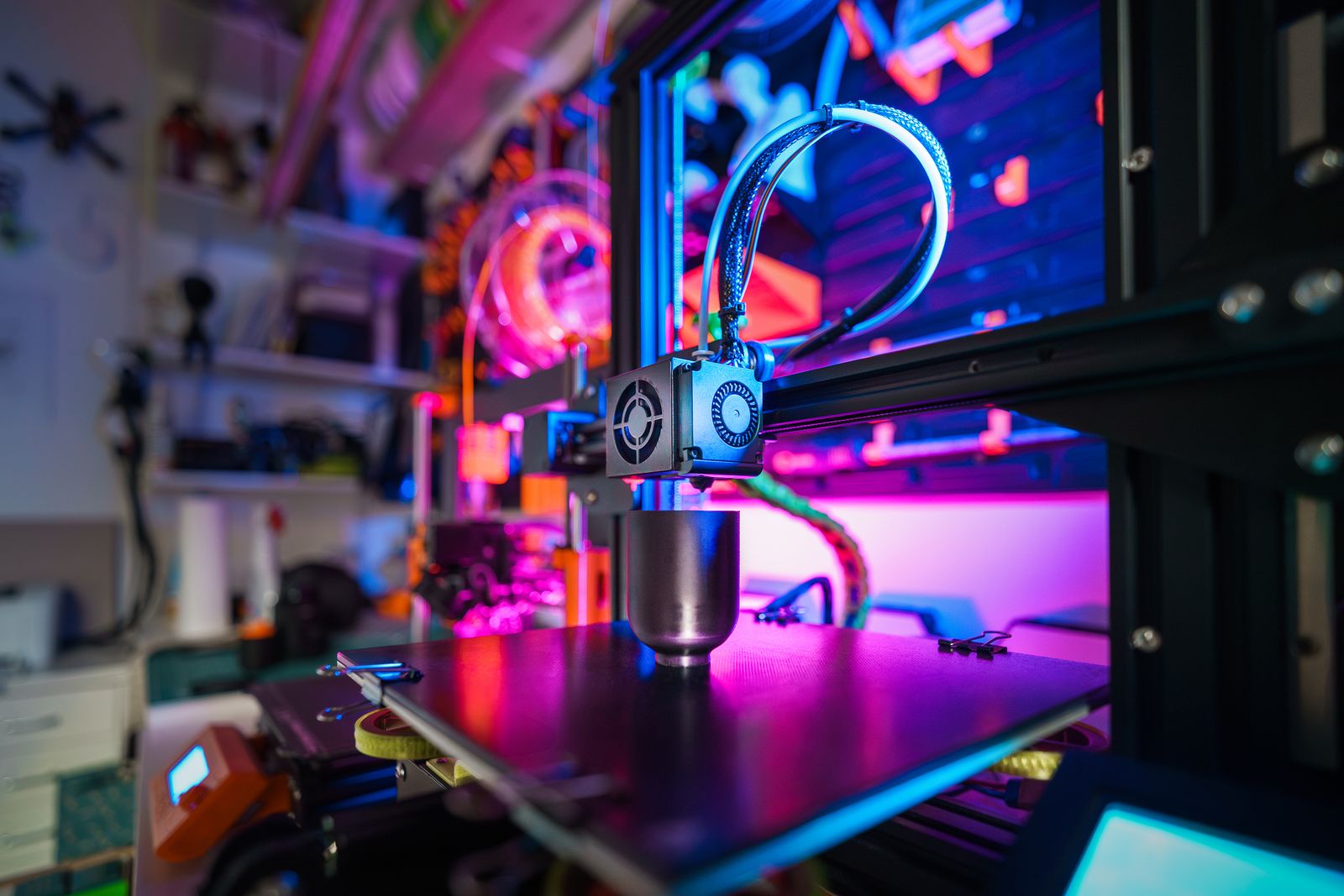
What a game object is made of
Any item in a game is essentially two things working as a pair. The first is the 3D model (mesh): a frame of vertices and polygons that defines the shape. The second is the textures: 2D images stretched over that frame to give it color, shine and relief. A bare model looks like a gray blank; textures turn it into a rusty barrel, a leather armor piece or a gleaming sword.
To get all this into a game, the artist runs a pipeline: model the object, unwrap its UVs, paint the textures, then import model and textures into a game engine — Unity or Unreal. Each stage has its own file formats, and confusing them breaks the result. Let's take it in order.
In short
A game asset = a 3D model (usually FBX) + a set of textures (DDS/TGA/PNG) linked through UV unwrapping. The engine assembles a material from them and draws the object on screen in real time.
FBX and OBJ: how a model reaches the engine
Out of dozens of 3D formats, two stuck in game development — and the choice between them comes down to one thing: whether you need animation.
FBX is the industry standard. This Autodesk format carries not just geometry but everything that makes a character come alive: skeletal animation, rigging (bones and skinning), morph targets, cameras and a whole scene hierarchy. So an animated hero, enemy or a car with opening doors reaches the engine in FBX — losslessly.
OBJ is simpler: it stores only geometry and a link to materials, but can't do animation. Its niche is static objects: rocks, buildings, environment props. If the thing doesn't move, OBJ works; if it does, only FBX will do. More on the differences in our comparison of OBJ, FBX, STL and glTF.
| Format | Animation | Rig / bones | When to use |
|---|---|---|---|
| FBX | Yes | Yes | Characters, anything animated |
| OBJ | No | No | Static environment, props |
| glTF/GLB | Yes | Yes | Web games, light assets, Unreal |
Importing into Unity and Unreal
Both major engines accept these formats, but with caveats. Unity supports OBJ and FBX, with FBX being the recommended format. Unreal Engine works with OBJ, FBX and GLB, and often finds GLB more convenient.
The key point on import is not forgetting the textures. Engines look for them by convention: Unity, for instance, first checks a Textures subfolder next to the model, and if it fails, scans the whole project. So textures go into a clearly named folder beside the FBX, or the model arrives "bare" and gray. A handy tip from practitioners: on import, disable "Recompute Normals" and "Recompute Tangents" if the artist already prepared them correctly.

UV unwrapping: how a texture wraps a model
Here's the part that confuses beginners: how do you neatly stretch a flat 2D image onto a three-dimensional shape? The answer is UV unwrapping. Picture cutting a cardboard box along its edges and laying it out as a flat plan. That's exactly what's done to a 3D model: its surface is "unfolded" into a two-dimensional layout where every point on the model maps to a coordinate on the texture.
The letters U and V are just the axes of the texture plane (an analog of X and Y — the names are free because XYZ is already taken in 3D). Without correct UV unwrapping the texture will stretch, show ugly seams or not appear at all. UVs are that invisible bridge tying the pixels of an image to the faces of a model.
A common mistake
Texture "swimming," stretching or showing seams? Bad UV unwrapping is almost always the culprit, not the image itself. Check the UVs rather than repainting the texture. Broken UVs are the number-one reason a "texture won't apply."
PBR: a set of maps instead of one image
Modern games render materials with PBR (physically based rendering). The idea is that an object uses not one texture but a whole set of maps, each responsible for a different aspect of the surface:
- Base Color / Albedo — the base color without lights and shadows.
- Metallic — where the surface is metal and where it isn't.
- Roughness — how rough or smooth the surface is (matte or mirror-like).
- Normal — a normal map faking fine relief.
- Ambient Occlusion — soft shading in the crevices.
The engine blends these maps into a single material, and the object starts reacting to light realistically: metal glints, rust stays matte, dents darken. All the maps must be correctly linked to the material — otherwise the surface looks "plasticky" or plain wrong.
Texture formats: DDS, TGA, PNG
Now for the texture images themselves — and here games have their own favorites. In production, artists keep sources in PNG and TGA: both support an alpha channel (transparency), and TGA has historically stuck in game development as a reliable format with alpha. We have a separate breakdown of it — TGA in games and graphics.
In the finished game, though, textures are most often stored as DDS (DirectDraw Surface). Its secret is block compression: the data sits in a form the graphics card reads directly, without unpacking, saving video memory and keeping the frame rate stable. Why engines love it we covered in what is DDS and DDS in games. And for those digging into other people's games, there's a guide to modding textures with DDS.
Normal maps and the magic of detail
The normal map deserves its own mention — a trick without which modern graphics are unthinkable. It's a special texture (usually bluish-purple to the eye) that stores not color but the direction of the "micro-relief" at each point. The graphics card reads it and lights the surface as if a flat face had real scratches, pores, rivets and seams.
What's it for? To make a low-poly model look detailed without burdening the game with millions of polygons. The artist sculpts a high-detail model, "bakes" its relief into a normal map, and a light model plus that map goes into the game. The result is film-level detail at a performance an ordinary PC can handle. It's exactly this combo — light geometry + PBR maps + compressed DDS textures — that makes modern games both beautiful and fast.
Prepping textures for a game project?
FormatZ converts images between PNG, JPG, TGA and other formats right in your browser — fast, with no install and no sign-up. Perfect for prepping texture sources.
Open all formatsWant to dig deeper into texture formats? Start with what is DDS, and to choose a model format, see our overview of OBJ, FBX, STL and glTF.
Frequently asked questions
Read next
 3D
3DOBJ vs FBX vs STL vs glTF: Which 3D Format to Choose
Why games reach for FBX over other model formats.
 3D
3DWhat Is DDS: A Guide to the Texture Format
Why engines store game textures in DDS specifically.
 3D
3DglTF and GLB: 3D for Web, AR and the Metaverse
The model format for web games and light assets.