Where BMP Is Still Used in 2026
A veteran format that should have vanished back in the 2000s — too heavy, no compression, not for the web. Yet BMP is alive and turns up more often than you would think: in ATMs, medical gear, the icons of your Windows, and instruments on factory floors. Let's see exactly where, and why its simplicity still beats compactness.
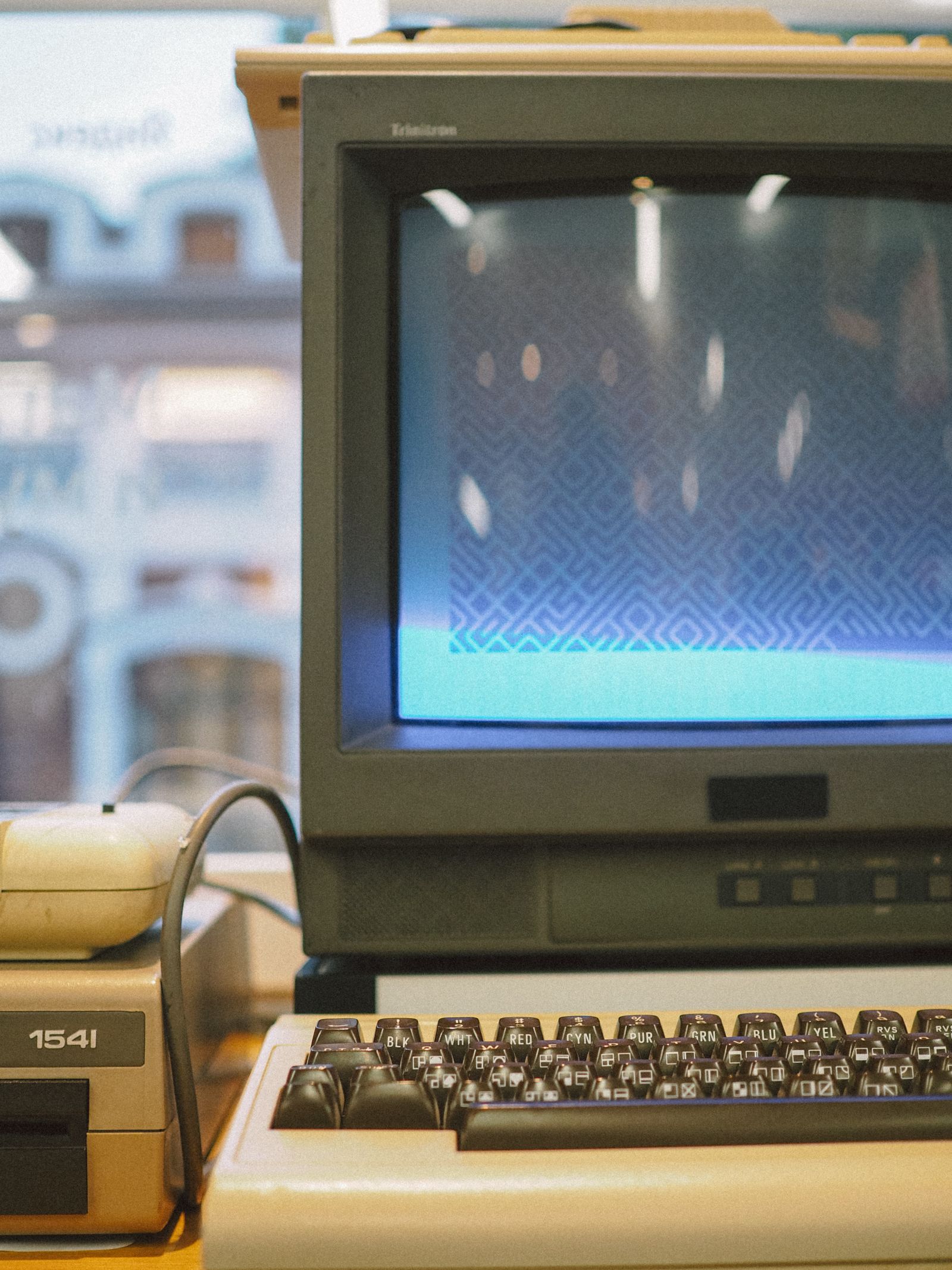
Why BMP is even still alive
The logic is simple: what is a drawback in one context is an advantage in another. BMP's main "weakness" — the lack of compression — becomes a plus in a range of tasks. An uncompressed file needs no unpacking, its structure can be read in a couple of lines of code, and it is guaranteed to be artifact-free. Wherever that matters more than size, BMP remains a handy tool.
In other words, BMP did not "beat" PNG and JPG, and it is not trying to. It simply settled into niches the modern formats do not enter — and has held them for more than thirty years.
In short
BMP lives where simplicity and predictability matter more than file weight: embedded systems, medicine, OS resources, legacy and niche software. For everyday tasks — storing, sending, publishing — it is still a poor fit.
Embedded and industrial systems
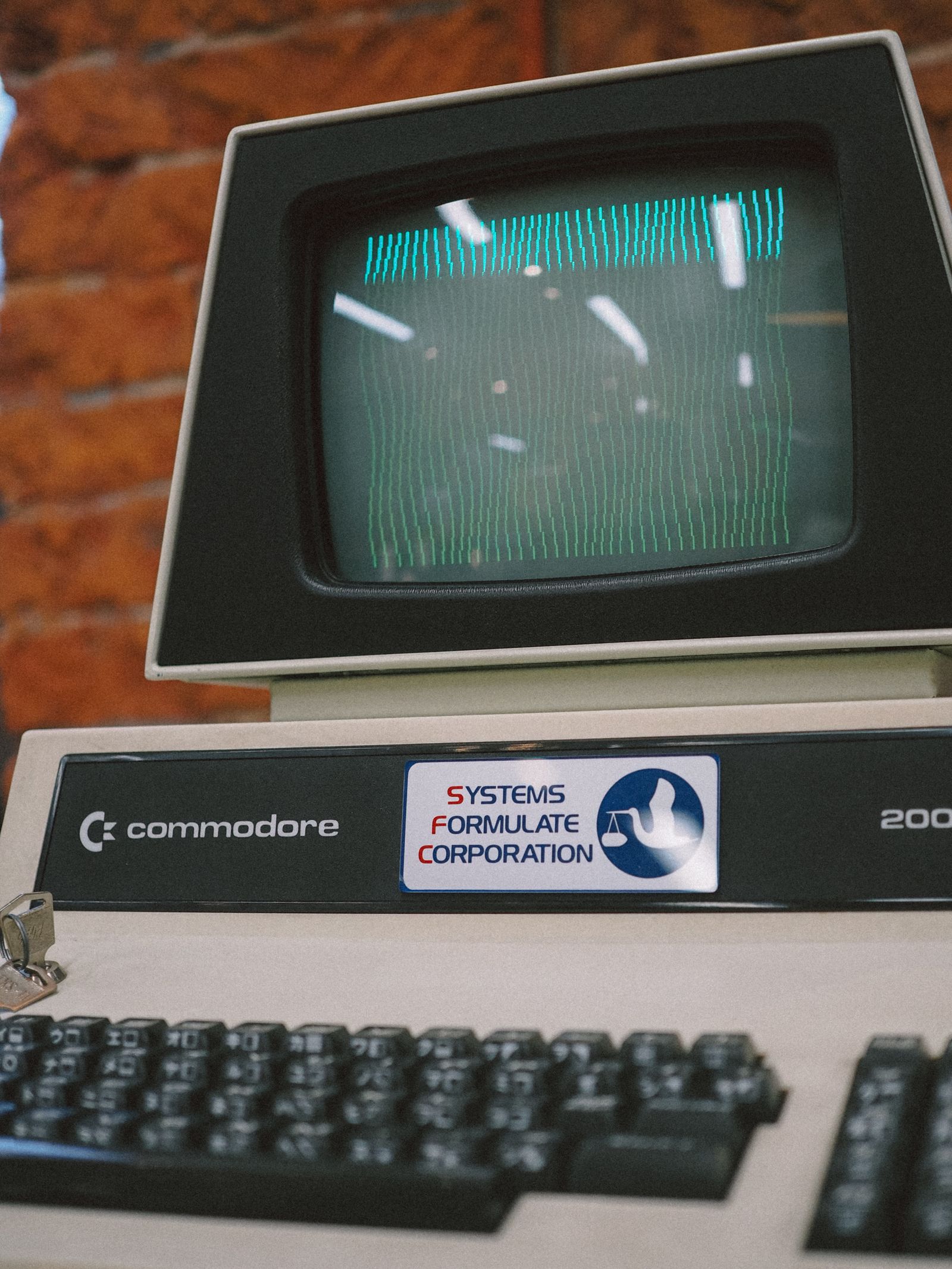
This is perhaps BMP's most living niche. Picture an ATM controller, a CNC machine panel, a cash-register display or the small screen of a medical device. Such a gadget often has a weak processor and very little memory.
Unpacking a compressed PNG or JPG here is an expensive luxury: you need decoder code, you need memory for an intermediate buffer, you need CPU time. A raw BMP, by contrast, can be copied straight into display memory almost as-is. Easier for the developer, lighter for the device. That is why BMP is still widely used in the interfaces of industrial and embedded electronics.
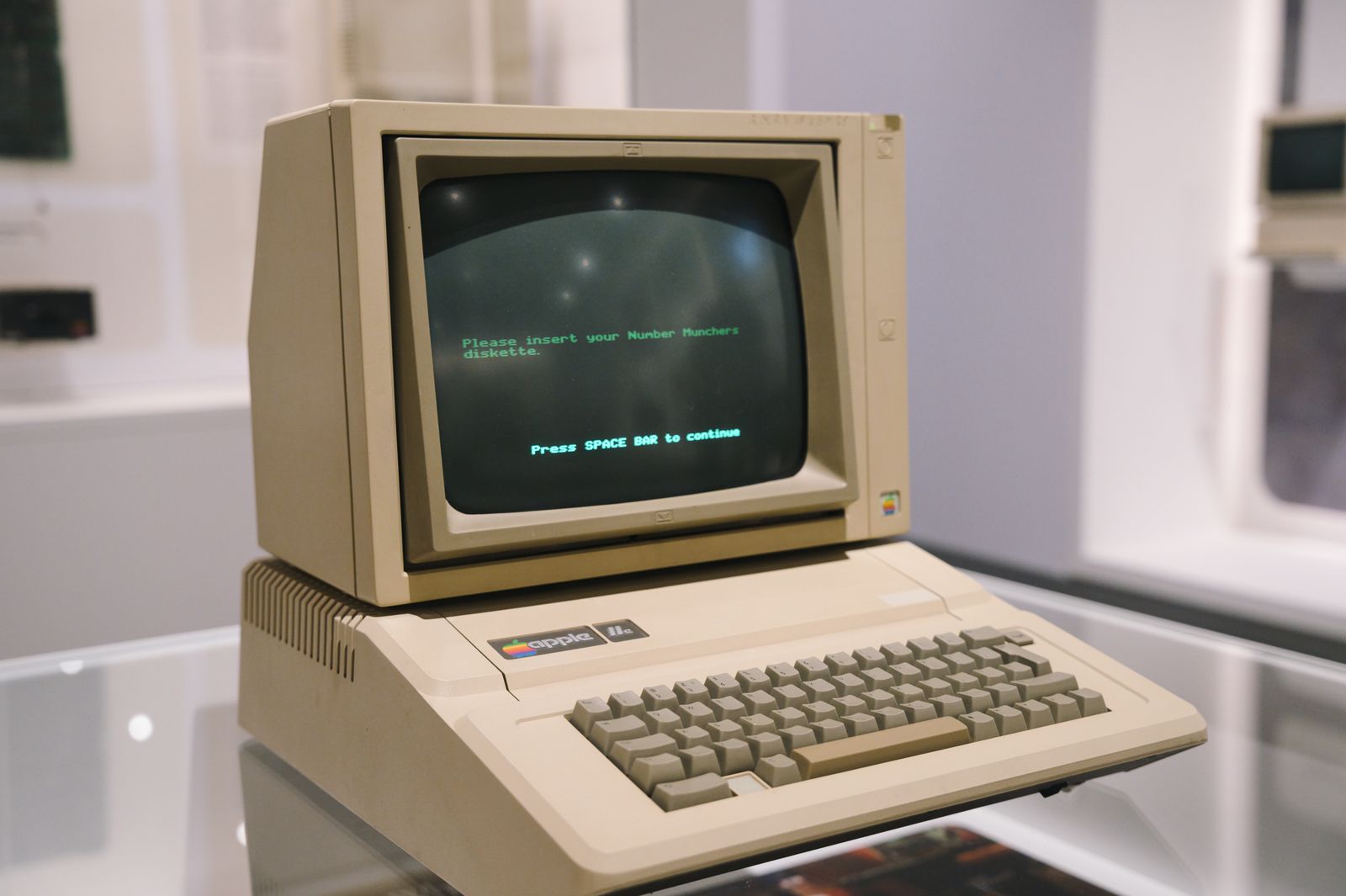
Medicine and scientific accuracy
There are fields where even lossless compression raises questions — and lossy compression is unacceptable in principle. In diagnostics, image analysis and scientific measurement, the image sometimes needs to pass through as few transformations as possible between sensor and storage.
In such cases an uncompressed format like BMP can be preferable: every pixel is guaranteed to match the source data, with no algorithms in between. A caveat: medicine more often uses the specialized DICOM format, but the idea is the same — accuracy over size, and BMP remains a simple "common denominator" for exchanging raw images.
The point of the niche
Wherever the cost of error is high and compression artifacts are unacceptable, BMP's predictability is prized: "what we wrote is what we get back, byte for byte."
Windows icons and resources
Here is a use that is working right now on billions of computers — and almost no one knows about it. The classic Windows icon format, the .ico files, is historically based on the BMP structure. Inside such a file are uncompressed raster images of different sizes — essentially mini-BMPs.
Every app icon, every system-tray badge, every desktop shortcut is a legacy of a format invented in the Windows 2.0 era. BMP is literally built into the visual language of the operating system, quietly working while you read this article.
Legacy software and compatibility
A huge body of corporate and specialized software was written decades ago and still runs: accounting systems, factory control software, lab programs. Many of them can read and write only BMP — it is their single "common language" for images.
Replacing such software is costly and risky, so it is easier to keep supporting BMP. For these systems the format is not a choice but a necessity, and as long as legacy software lives, BMP will live alongside it.
| Field | Why BMP specifically | What matters more than size |
|---|---|---|
| Embedded systems | Direct output to a display | Simplicity, resource savings |
| Medicine / science | No compression artifacts | Accuracy of every pixel |
| Windows icons | The basis of the .ico format | OS compatibility |
| Legacy software | The only readable format | Guaranteed compatibility |
| Image processing | A lossless working format | Read/write speed |
An intermediate format in pipelines
Another scenario is image-processing pipelines. When a picture passes through several programs or stages (capture, processing, analysis), it is sometimes kept as BMP as an intermediate working format.
The reason is the same: reading and writing an uncompressed file is instant, no time is spent unpacking, and there is no accumulation of loss from repeated compression. Size at intermediate stages is not critical — the file is short-lived and immediately overwritten. Such pipelines usually output a compressed PNG or JPG at the final step.
When BMP is definitely not needed
To keep the picture honest: outside the niches listed above, BMP is almost always redundant. If you are storing photos, sharing screenshots, uploading images to a site or social media, or emailing pictures — BMP only gets in the way with its weight.
In those cases there is one answer: convert. For graphics and screenshots — to PNG (lossless); for photos — to JPG (smallest size). It takes seconds and saves tens of megabytes.
Not your niche? Make BMP lighter
If a BMP landed on you just as a heavy file, the FormatZ converter turns it into a compact PNG in a couple of seconds — free and right in your browser.
Convert BMP to PNGFor photos, converting BMP to JPG is more efficient. Want to understand why the format is so heavy? Check the breakdown of how the file is built inside, or compare it with its contemporaries — BMP vs PNG and JPG. The full list of conversions is on the all formats page.
FAQ about where BMP is used
Read next
 Basics
What Is BMP? The Uncompressed Format from the Windows Era
Where the format came from and why it is built this way.
 Tech
TechWhy BMP Is So Large: How the File Is Built Inside
We count the bytes and explain the nature of the weight.
 How-to
How to Open BMP and Shrink Its File Size
View it on any device and convert it fast.