DDS vs PNG, TGA and WebP: Which Texture Format to Choose in 2026
Four formats, four personalities. One speaks the language of the graphics card, one is the old workhorse of game development, one is understood by every editor on the planet, and one flies through the network lighter than the rest. Let's break down how DDS differs from PNG, TGA and WebP — and which one fits your specific task, with no marketing and no myths.

The big divide: for the GPU or for people
Before comparing these formats row by row, you need to understand one thing that splits them into two camps. DDS is built for the graphics card; PNG, TGA and WebP are built for people. This isn't a "better vs worse" judgment — it's about different goals.
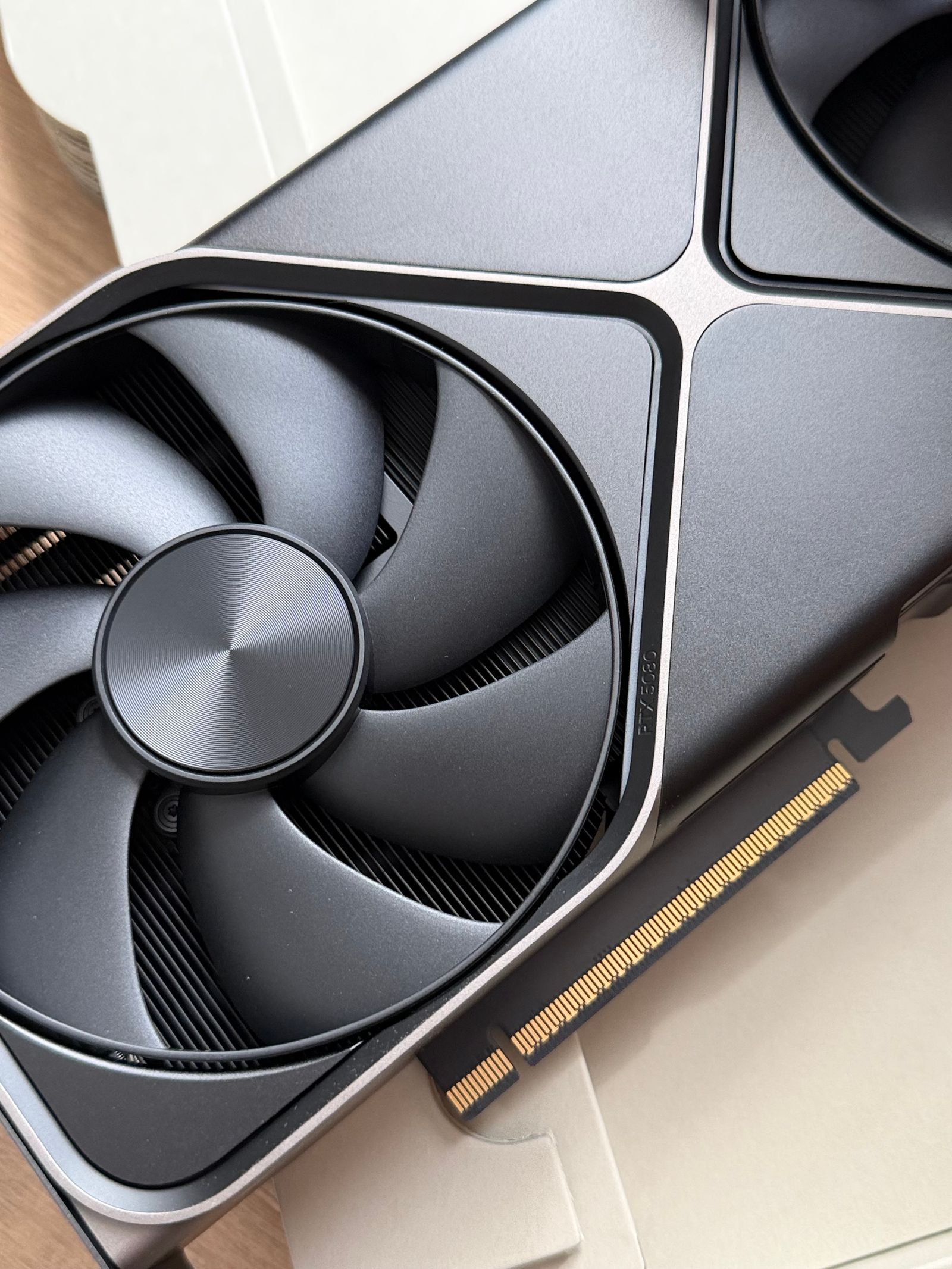
The human-friendly formats are designed to be shown on a screen, opened in an editor, or sent across a network. When such an image lands in a game, the CPU first fully decodes it into plain pixels, and only then are those pixels uploaded to video memory — by now completely uncompressed. DDS, on the other hand, stores a texture in a form the graphics processor reads directly, decoding the blocks in hardware right during rendering. No CPU decode step is needed at all.
Remember one line
DDS saves video memory and load time inside a game. PNG, TGA and WebP save disk space and are convenient for people and tools. Most "which format is better" debates are settled by one question: will the texture be read by a graphics card or by a human?
Meet the four formats
Each of the four has its own backstory and its own "superpower." Let's get acquainted before we line them up in a single table.
- DDS (DirectDraw Surface). Microsoft's texture container, born with DirectX 7.0 in 1999. It stores data in BCn block compression (4×4-pixel squares) that the graphics card decodes in hardware. It supports mipmaps and an alpha channel. BC1–BC3 are lossy, BC7 is noticeably better quality, and uncompressed DDS is lossless but huge.
- PNG (Portable Network Graphics). A raster format with lossless compression and a full alpha channel. The king of the web, graphics, screenshots and logos. The CPU decodes it, so it isn't fast in a game — but it opens literally everywhere.
- TGA (Truevision Targa). A 1984 veteran from the world of professional graphics. It stores pixels either fully uncompressed or with light RLE — both lossless. For years it was the standard for source textures in game dev. It supports alpha, but the files come out large.
- WebP (Google). A modern web format that does both lossy and lossless. The alpha channel works in both modes. On the web it is 25–35% lighter than JPEG and 20–25% lighter than PNG. Its main drawback for 3D: WebP is not GPU-native — the graphics card cannot read it.

The big comparison table
Now for the most useful part. Let's line up the four formats against the criteria that actually drive the choice: does the graphics card read them directly, what kind of compression they use, whether they have transparency and mipmaps, their typical size, and where they're used at all.
| Criterion | DDS | PNG | TGA | WebP |
|---|---|---|---|---|
| GPU reads it directly | Yes | No | No | No |
| Lossless compression | Uncompressed only | Yes | Yes (RLE) | Yes |
| Lossy compression | Yes (BCn) | No | No | Yes |
| Transparency (alpha) | Yes | Yes | Yes | Yes |
| Mipmaps inside the file | Yes | No | No | No |
| Typical disk size | Small | Large | Very large | Smallest |
| Where to use | In-game textures | Graphics, web, exchange | Source art, game dev | Web images |
The table already shows the main thing. DDS is the only one the graphics card reads directly and the only one that stores mipmaps inside the file. WebP is the champion of disk compactness. PNG and TGA are reliable, "honest" lossless formats for working and archiving. Let's dig into the key rows next.
Lossy vs lossless
Lossless compression restores every pixel exactly as it was. Lossy compression sacrifices fine detail for a smaller size — and once a detail is thrown away, you can't get it back.
In our foursome the breakdown is this: PNG and TGA are always lossless (TGA is either uncompressed or uses reversible RLE). WebP does both modes, and that's its flexibility: aggressive compression for a photo, lossless mode for a logo. DDS is almost always lossy: BC1–BC3 block compression coarsens color in exchange for a fixed small size. BC7 produces far fewer artifacts, and uncompressed DDS stores pixels perfectly — but then it loses the format's whole point, which is compactness.
The double-compression trap
If a texture has already been compressed with loss (say, into WebP or BC1), the artifacts are baked in forever. Re-saving as PNG won't remove them, and re-packing into DDS will stack new artifacts on top of the old ones. That's why source files are kept lossless and lossy compression is applied only at the very final step.
Size: on disk and in video memory
Here lies the most common mistake. "File size" and "size in video memory" are two completely different numbers, and the formats behave very differently in each.
On disk, the champion is WebP: it's the lightest to download and store. PNG is larger, and uncompressed TGA is the heaviest of them all. DDS sits somewhere in the middle, depending on the compression type.
In video memory, everything flips. PNG, TGA and WebP all upload uncompressed — their disk compactness is completely lost in VRAM. DDS, meanwhile, stays compressed right in video memory: BCn block textures take 4–8× less space than the same frame uncompressed. That's exactly why DDS wins in a game with thousands of textures, even if the WebP version was lighter on disk.
Transparency and mipmaps
Transparency is covered by all four — every one has an alpha channel. But the nuances matter. PNG and TGA give perfectly clean lossless alpha, which is why they're so handy for drawing icons and sprites with crisp edges. WebP handles both precise and slightly compressed transparency (a web-unique trick — a semi-transparent photo in a tiny file). DDS supports alpha through BC3 (DXT5) or BC7, but in compressed modes the edges can be slightly coarsened too.
Mipmaps, on the other hand, are where DDS stands alone. Mipmaps are pre-scaled copies of a texture (1/2, 1/4, 1/8, and so on) stored right inside the file. The graphics card grabs the size it needs based on distance to the object, which removes shimmering on distant surfaces and speeds up rendering. Neither PNG, TGA nor WebP can store mipmaps — the engine has to generate them itself on load. With DDS they're already prepared and packed.

Compatibility: engines and browsers
Here are two different worlds, and the winning format is different in each.
In browsers, PNG and WebP rule. PNG is understood absolutely everywhere and always, and by 2026 WebP is supported by more than 97% of browsers — Chrome, Safari, Firefox, Edge, Opera. TGA is effectively unused on the web, and a browser simply won't display DDS at all.
In game engines, it's the reverse. DDS is the native texture format for Unreal Engine, Unity, CryEngine and Source: it can be handed to the graphics card with almost no processing. Engines also like TGA as a lossless source format. PNG is usually imported and re-compressed into BCn at build time. WebP support exists in engines but is uneven: Unreal, Unity and Blender import it, while some older plugins and pipelines do not.
A typical workflow
An artist paints and stores the source as PNG or TGA (lossless, easy to edit). At build time the engine re-compresses it into DDS with the right BCn. And for a website or store, the same art is exported to WebP for fast loading. One piece of art, three formats for three jobs.
How to choose: a decision guide
Let's boil it all down to simple "if — then" rules. Pick a format not by fashion but by who will read the file and why.
The texture is going into a game or engine
Use DDS: the graphics card reads it directly, it saves VRAM, and it stores ready-made mipmaps. BC7 for quality, BC1/BC3 for maximum compactness.
You need a source file for editing
Use PNG or TGA: lossless, clean alpha, opens in any editor. PNG is more compact, TGA is the classic of game-dev pipelines.
An image for a website or store
Use WebP: the lightest file with excellent quality and support in every browser. PNG is a fallback for maximum compatibility.
Need to open or convert DDS?
The free FormatZ converter turns a DDS game texture into PNG in a couple of seconds — right in your browser, with no install and no sign-up. And it puts it back into DDS once you're done editing.
Convert DDS to PNGIf you work with textures both ways, both converters come in handy: DDS to PNG for viewing and editing, and PNG to DDS for putting them back into the game. For web images there's PNG to WebP and the reverse WebP to PNG. And the full list of conversions is always on the all formats page.
Frequently asked questions about choosing a format
Read next
 Basics
What Is DDS: A Complete Guide to the Texture Format
Why games need compressed textures and how BC blocks work.
 Gaming
DDS in Games: Why Engines Love Compressed Textures
How block compression saves VRAM and keeps the frame rate stable.
 How-to
How to Open and Convert DDS
To PNG, JPG and back — step by step, no extra software.