MP4 vs MKV vs MOV: Which Video Format to Choose
You downloaded a movie — and it's a .mkv that won't open on your phone. You exported a clip — the editor offers .mov, but a friend asks for "a normal MP4." Let's unpack what these three formats actually differ in, why the difference isn't about quality at all, and which one to pick for your task.
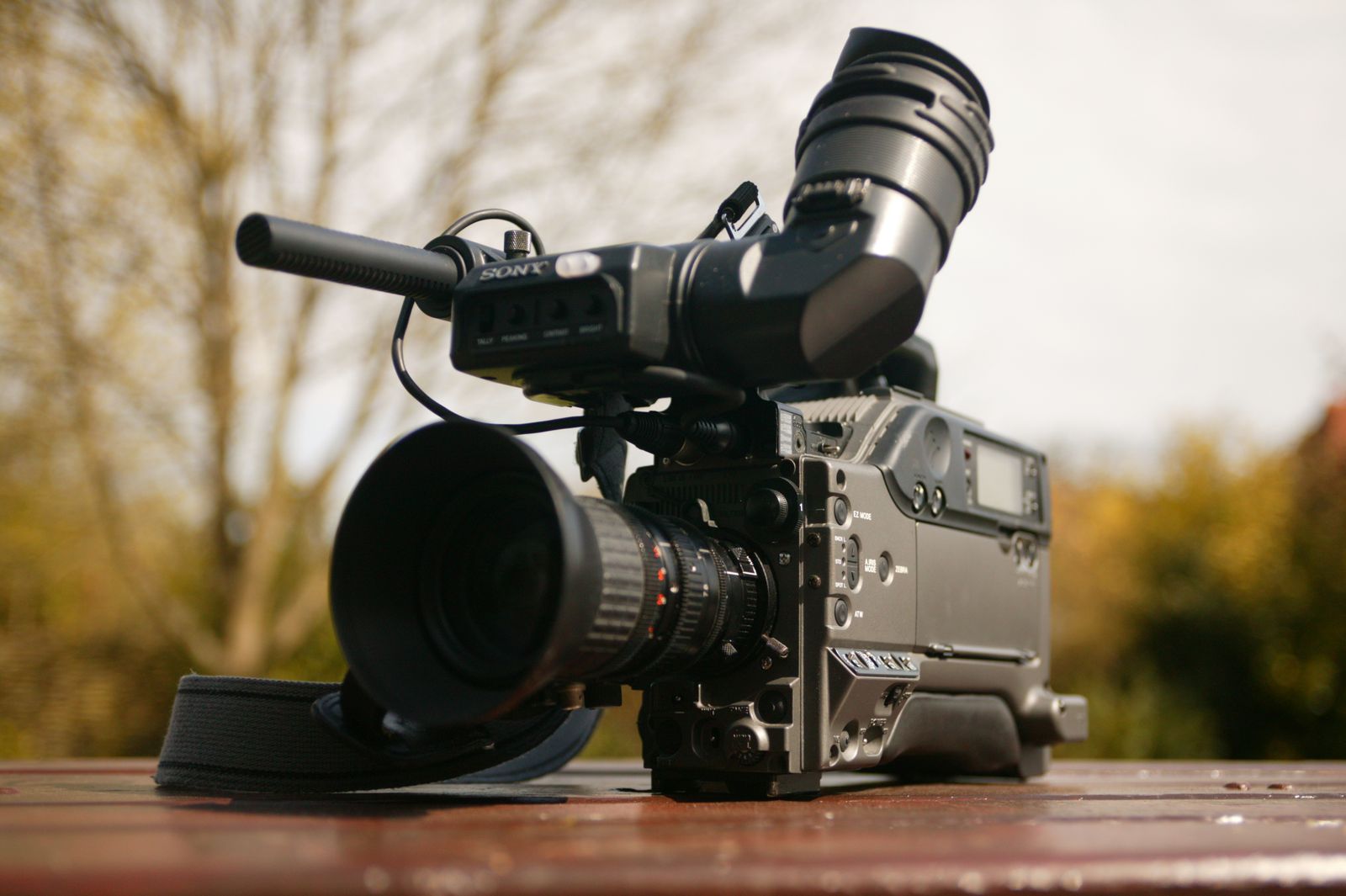
A container is not a codec
The main confusion around video formats is this: MP4, MKV and MOV are not what draws the picture. They are containers. Picture a box you've packed several things into: compressed video, one or more audio tracks, subtitles, a cover image, chapters, metadata. The container is that box. It decides what you can put inside and who will be able to open it.
The picture itself is compressed by a codec — H.264, H.265 or AV1, for example. The codec is what governs the quality and file size. And here is the key takeaway: take the same clip in the H.264 codec and drop it into MP4, MKV and MOV — all three files will look absolutely identical. The difference between containers is not quality but convenience and compatibility.
Remember one sentence
The container (MP4/MKV/MOV) is the box. The codec (H.264/H.265/AV1) is what compresses the picture inside it. The file format governs compatibility, the codec governs quality. They are two different things, and mixing them up leads to trouble.
MP4 — the universal champion
MP4 (full name MPEG-4 Part 14) is the most widespread video container in the world. If you see a video file on the internet, on a phone or in a messenger, it is almost certainly MP4. Every browser, every smartphone, every TV and every editing program understands it.
Why did it turn out this way? MP4 arrived in the early 2000s as an international standard, works beautifully with the ultra-popular H.264 codec, and supports streaming: the video starts playing before the file has fully downloaded. That is exactly what YouTube, social media and any website need. MP4 holds video, audio, subtitles and a cover — everything an ordinary clip requires — and does it quietly and reliably.
MP4 has exactly one downside, and it is the flip side of its strength: the format is deliberately simple. Exotic setups like a dozen audio tracks or rare subtitle types are handled worse than in MKV. But 95% of people will never need that exotica.
MKV — open and flexible
MKV (Matroska) is an open container created by enthusiasts as "the format that fits anything." That is no exaggeration: MKV accepts virtually any codec and any track. Its signature trick is many audio and subtitle tracks in a single file.
That is exactly why MKV is beloved in the world of movies and series. Into one file you can pack the original audio, a dub, a couple more languages, a director's commentary plus subtitles in ten languages — and switch between them on the fly, right in the player. For a home collection or archive it is perfect: everything in one place, nothing lost.
But flexibility has a price — compatibility. Browsers mostly won't open MKV, phones stumble (especially iPhone), and streaming platforms typically reject such a file on upload or silently re-encode it. MKV is a format "for yourself and for home," not "for sending to others."
About to send someone an MKV?
Not so fast. There's a good chance it won't open for the recipient — not on a phone, not in a browser, not in a chat. Before sending, it's safer to convert MKV to MP4: the contents are preserved and the file opens anywhere.
MOV — Apple's format and ProRes
MOV is the QuickTime container, invented by Apple back in the early 1990s and polished for its ecosystem ever since: iPhone, macOS, Final Cut Pro. Inside, MOV is built almost identically to MP4 — they share the same ancestor, the ISO base media file format. So MOV and MP4 are close relatives in many ways.
But there is one thing that makes MOV irreplaceable — ProRes. This is Apple's professional editing codec, the standard for video editors (Final Cut Pro, DaVinci Resolve) and broadcast. ProRes compresses each frame separately (intra-frame), so editing flies and quality stays almost untouched — but the files come out very heavy. ProRes is exactly what lives inside MOV.
The practical conclusion: MOV is great while the video stays inside the Apple pipeline — shot on iPhone, edited in Final Cut, handed to another Mac owner. The moment the file needs to go online or to a Windows/Android user, MP4 is more convenient.
All three side by side
To lay it all out cleanly, here are the three containers next to each other. Note: "quality" is not compared in the table — it depends solely on the codec, not on the box.
| Property | MP4 | MKV | MOV |
|---|---|---|---|
| Compatibility | Maximum | Weak | Good on Apple |
| Many tracks & subtitles | Limited | Excellent | Limited |
| Streaming playback | Yes | Partial | Yes |
| ProRes for editing | No | Partial | Native |
| Who made it | MPEG (standard) | Open project | Apple |
| Best for | Publishing & sharing | Archiving & collections | Editing on Mac |
Which to choose for your task
Theory is nice, but in practice the choice takes a couple of seconds if you keep three scenarios in mind.
Uploading or sending → MP4
YouTube, TikTok, Instagram, Telegram, a website, sending to a friend — always MP4 with the H.264 codec. This is the "normal video file" that opens for anyone. It's impossible to get wrong.
Keeping a collection with multiple audio → MKV
A movie with several tracks and subtitles, a home archive where it matters to keep everything in one file. For personal viewing in a good player — perfect.
Editing on a Mac → MOV
Shooting on iPhone, cutting in Final Cut or DaVinci, working with ProRes. While the project is "inside Apple" — MOV. Export the final clip for viewers as MP4 anyway.
How to change the format
Good news: switching the container is usually fast and lossless. If the codec inside stays the same, a remux happens — the program simply moves the tracks from one box to another without touching the video itself. It takes seconds, and no quality is lost at all.
Re-encoding (which costs time and possibly a touch of quality) is needed only if the target container doesn't get along with the source codec. An online converter picks the right path itself — you just say what to turn the file into.
Need to turn MKV or MOV into MP4?
FormatZ converts video right in your browser — no software to install and no sign-up. Browse the list of supported formats and pick the conversion you need.
Open all formatsIf the file turned out too heavy for a chat, the guide on how to compress video for Telegram and WhatsApp will help. And the codecs hiding inside these containers are covered in detail in our article on H.264, H.265 and AV1.
Frequently asked questions about MP4, MKV and MOV
Read next
 Video
VideoVideo Codecs H.264, H.265 and AV1 Explained
What compresses the picture inside the container, in plain English.
 Video
VideoHow to Open MKV, MOV and AVI (and Convert Them)
If the file won't play — here are the methods that work.
 Video
VideoBest Video Formats for YouTube, TikTok and Telegram
Exact export settings for each platform.