What Is TIFF? The Lossless Format for Print and Archiving
Someone sent you a .tif file, it weighs tens of megabytes, and your browser flatly refuses to show it. That's TIFF — the format print shops, museums and scanners have relied on for almost 40 years, precisely because it loses not a single pixel. Let's unpack how it works, why it exists, and what a regular person should do with it.
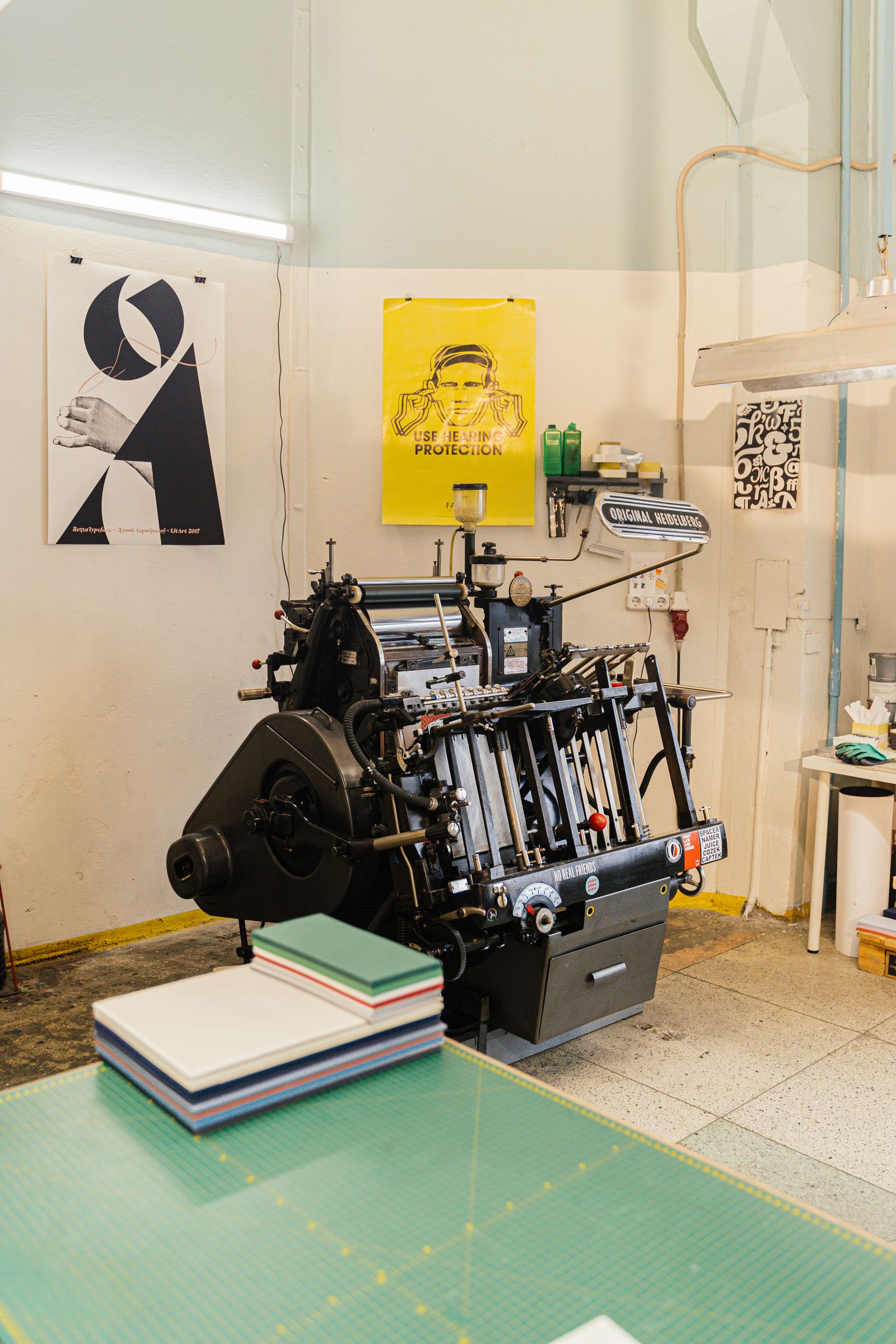
What TIFF is in plain English
TIFF (Tagged Image File Format) is a raster image format built for one job: to store a picture as precisely as possible, with no loss of quality whatsoever. If JPG exists so a photo stays small and loads fast online, TIFF exists so an image can be printed, archived for decades, or edited any number of times — and come out exactly as it went in.
"Raster" means the picture is made of a grid of pixels — like a photo or a scan — unlike vector formats such as SVG, where the image is defined by formulas. And the cryptic word "Tagged" in the name is the key to the format's flexibility: every property of the file is recorded as a separate tag, which is exactly how TIFF accommodates multi-page scans, CMYK for print and 16-bit color all at once.
In short
TIFF is the "master file": a reference copy of an image with no loss. It's perfect to make everything else from (JPG for the web, PDF for sharing), but the file itself is heavy and won't open in a browser.
Where the format came from
TIFF appeared in 1986. It was created by Aldus — the same company that built PageMaker and effectively launched the desktop publishing era. The problem of the time was simple: desktop scanners had just hit the market, and every manufacturer saved a scanned image in its own proprietary format. TIFF was meant to be a single standard that all programs and all scanners would understand.
The idea worked. Aldus was later absorbed by Adobe, which controls the TIFF specification today. Over the decades the format has barely changed on the surface — files from the 1990s still open now — but inside it has grown support for new compression types, color models and metadata.
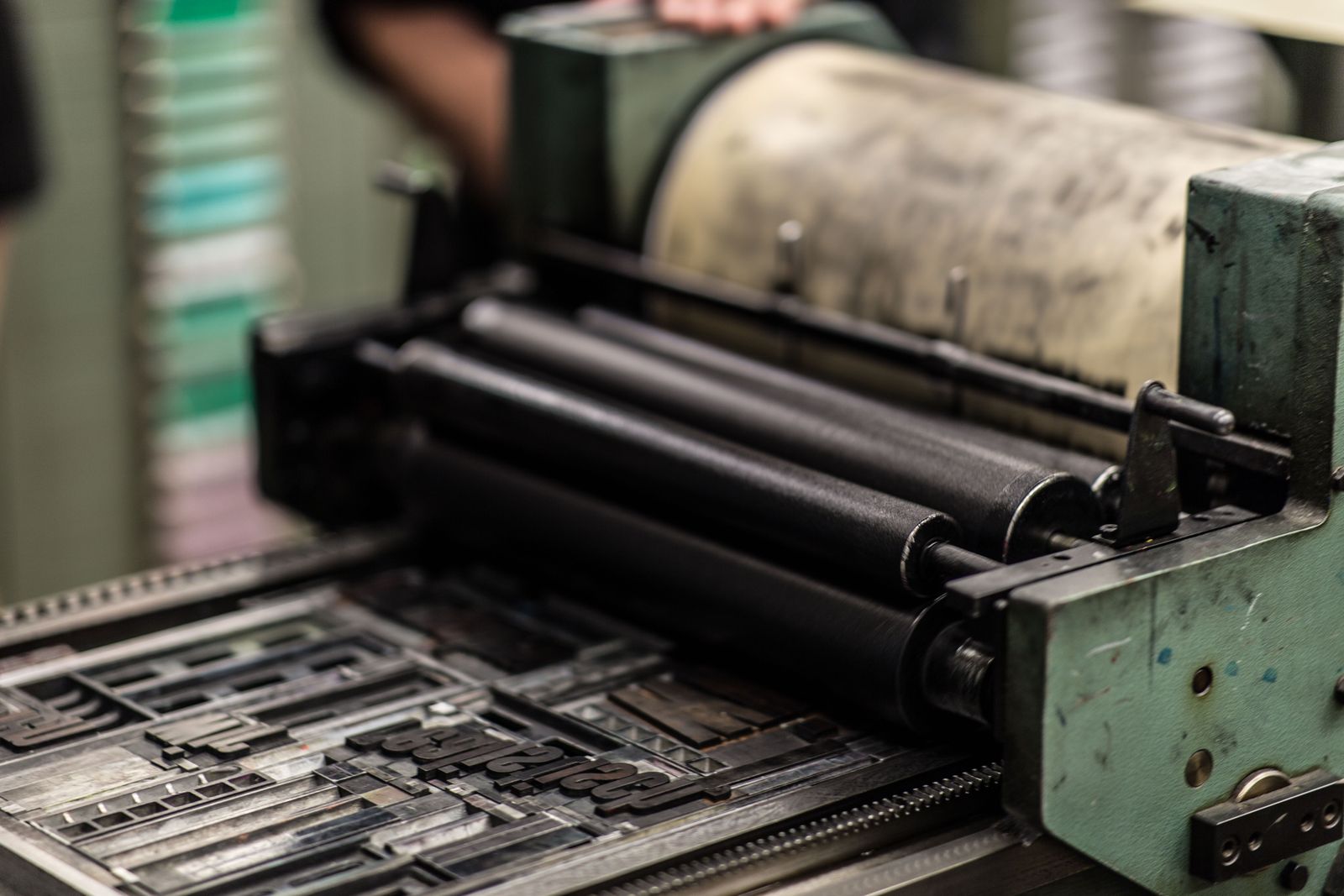
Why TIFF is a lossless format
TIFF's main superpower is that it can store an image losslessly. That means when you save, not a single pixel is thrown away or "coarsened." Compare that with JPG: it degrades the picture a little every time you save in exchange for a smaller size, and those distortions pile up. TIFF doesn't do that.
The format has several storage modes, and nearly all of them are lossless:
- No compression — pixels are written as-is. The file is huge but maximally compatible.
- LZW — lossless compression (the same algorithm as in GIF). Shrinks the file without touching quality.
- ZIP (Deflate) — another lossless method, often more efficient than LZW on photographs.
- CCITT G3/G4 — special compression for black-and-white documents and faxes; incredibly compact for text.
- JPEG-in-TIFF — a rare lossy mode for when you really need to cut the weight.
A simple rule
If the image must be preserved perfectly — for print, restoration or an archive — choose TIFF with LZW or ZIP. You get a modest size win with zero loss of quality.
Deep color and CMYK: the print trump cards
TIFF supports deep color — up to 16 bits per channel. An ordinary JPG stores 8 bits per channel, meaning 256 shades of each color. TIFF can hold 65,536 — 256 times more. The difference isn't always visible on screen, but during retouching, lifting shadows and printing, that headroom is exactly what saves you from banding and "steps" on smooth gradients (a sky or skin, for example).
The second trump card is support for the CMYK color model. Screens show color by mixing red, green and blue (RGB), while print shops use four inks: cyan, magenta, yellow and black (CMYK). JPG can only do RGB, whereas TIFF stores the image directly in CMYK — the way a printing press will see it. That's why files go to print as TIFF: what you hand over is what gets printed.
Tags, pages and metadata inside the file
Remember the "Tagged" in the name? Inside a TIFF there aren't just pixels but a tidy card index of tags. Each tag describes one property: width, height, compression type, resolution in dots per inch (DPI), color model, orientation, authorship. A program reads the tags and knows exactly how to display or print the file.
Two handy capabilities grow out of this flexibility. First, multi-page support: a single .tif file can hold dozens of images — which is exactly how a scanner saves an entire contract as one document. Second, precise DPI storage: TIFF remembers that a scan was made at 300 or 600 DPI, and that's critical for print — resolution decides how sharp the output will be.
Where TIFF is used today
TIFF is a "behind-the-scenes" format: you rarely see it online, yet it's everywhere quality matters more than weight.
- Print and publishing. Magazines, books, packaging, posters — layouts go to the printer with images in TIFF (CMYK, high DPI).
- Scanning and document workflows. Scanners and faxes save documents as multi-page TIFFs; the format is loved for lossless compression and accurate DPI.
- Archives and museums. Digitizing paintings, manuscripts and film — TIFF is a recognized format for long-term preservation.
- Professional photography. Photographers keep final master files in TIFF so quality isn't lost on re-editing.
- GIS and science. Satellite imagery and maps are often distributed as GeoTIFF — a TIFF extension with geographic coordinates.
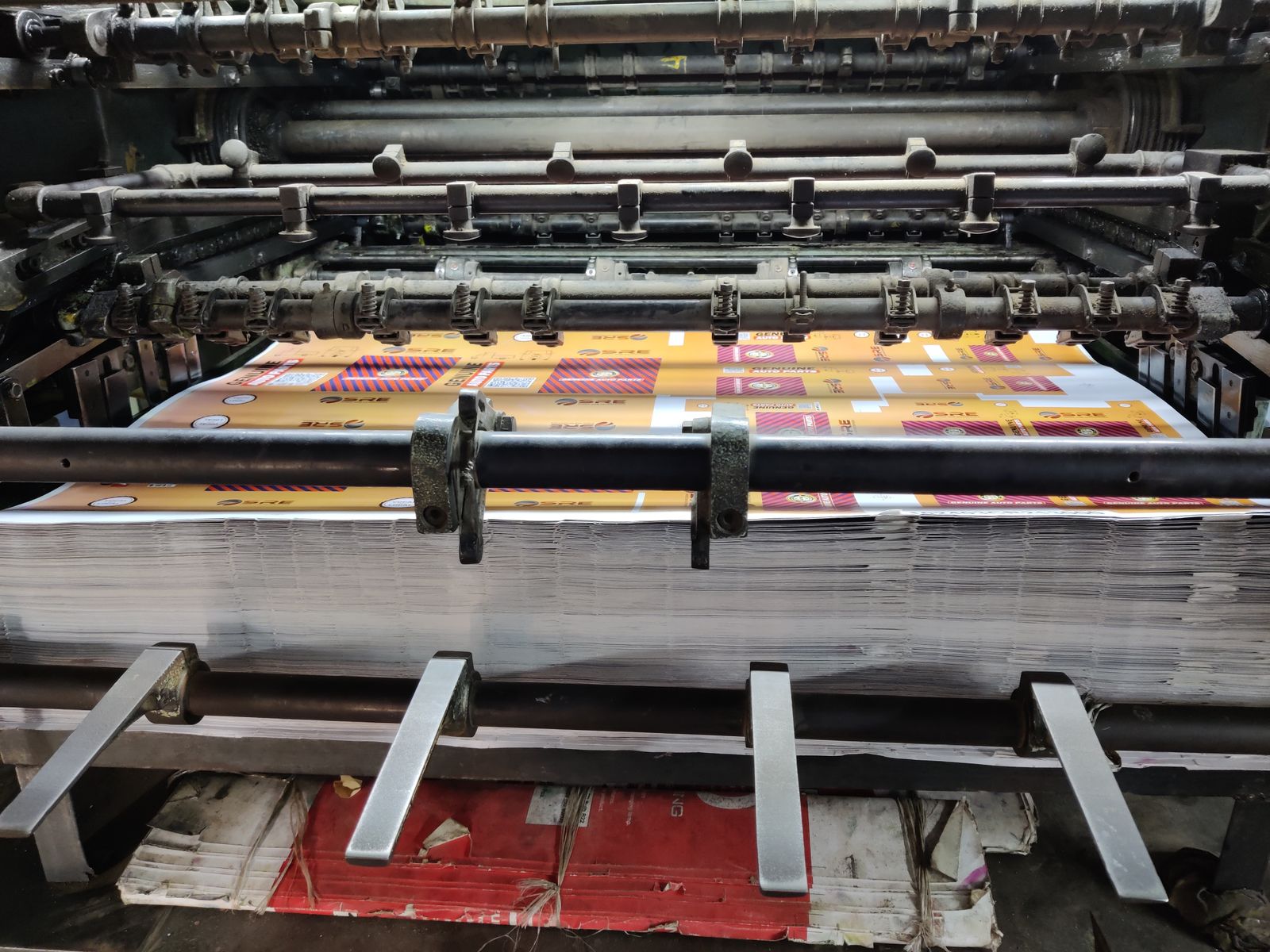
Weak spots: size and the web
Precision has a price. TIFF has two notable downsides:
Huge size. Lossless means no aggressive compression. A single TIFF easily weighs 10–50 times more than the same shot as a JPG. That's fine for print, but emailing such files or storing them by the thousands is awkward.
Incompatibility with the web. Browsers don't display TIFF — it's too heavy and was never meant for websites. You can't embed a TIFF in a web page, send it in a messenger, or upload it to social media directly.
What this means in practice
Keep the master file in TIFF, and for sharing, publishing and viewing make a lightweight copy: JPG for photos, PDF for documents. That way you keep both the original's quality and everyday convenience.
How to open and convert TIFF
Opening a TIFF is easier than it seems. On Windows the built-in Photos app shows it, on macOS it's Preview. For editing, use Photoshop, GIMP, Paint.NET or the free IrfanView. The trouble starts when you need to send the file to someone or post it online — then it's best to convert the TIFF.
Upload the file
Drag your .tif into an online converter — nothing to install.
Pick a format
JPG for photos and the web, PDF for documents and sharing, PNG if you need transparency.
Download the result
The lightweight copy opens anywhere, while your original TIFF stays as the reference master.
Open your TIFF in a couple of seconds
The free FormatZ converter turns a heavy TIFF into a handy JPG right in your browser — no install, no sign-up. Multi-page files are supported too.
Convert TIFF to JPGIf it's a document or a scan, it's handier to assemble it as TIFF to PDF — especially with several pages. And the full list of supported conversions is always on the all formats page.
Frequently asked questions about TIFF
Read next
ComparisonTIFF vs JPG: When You Really Need Lossless
When saving space pays off, and when it ruins the result.
How-toHow to Open TIFF and Convert It to JPG or PDF
Apps, online tools and a step-by-step guide.
 Guide
GuideTIFF for Print and Scanning: How to Prepare Files Right
DPI, CMYK and compression — the settings that shape your print.