MP3 vs WAV vs FLAC: Which Audio Format to Choose
You download a track and it's a 60 MB WAV. A friend sends music as FLAC and your player won't open it. Streaming serves you AAC, but you grew up on MP3. Three or four formats, all "for audio" — so why do we need them all? Let's unpack how they really differ and which one fits your task.
What an "audio format" even means
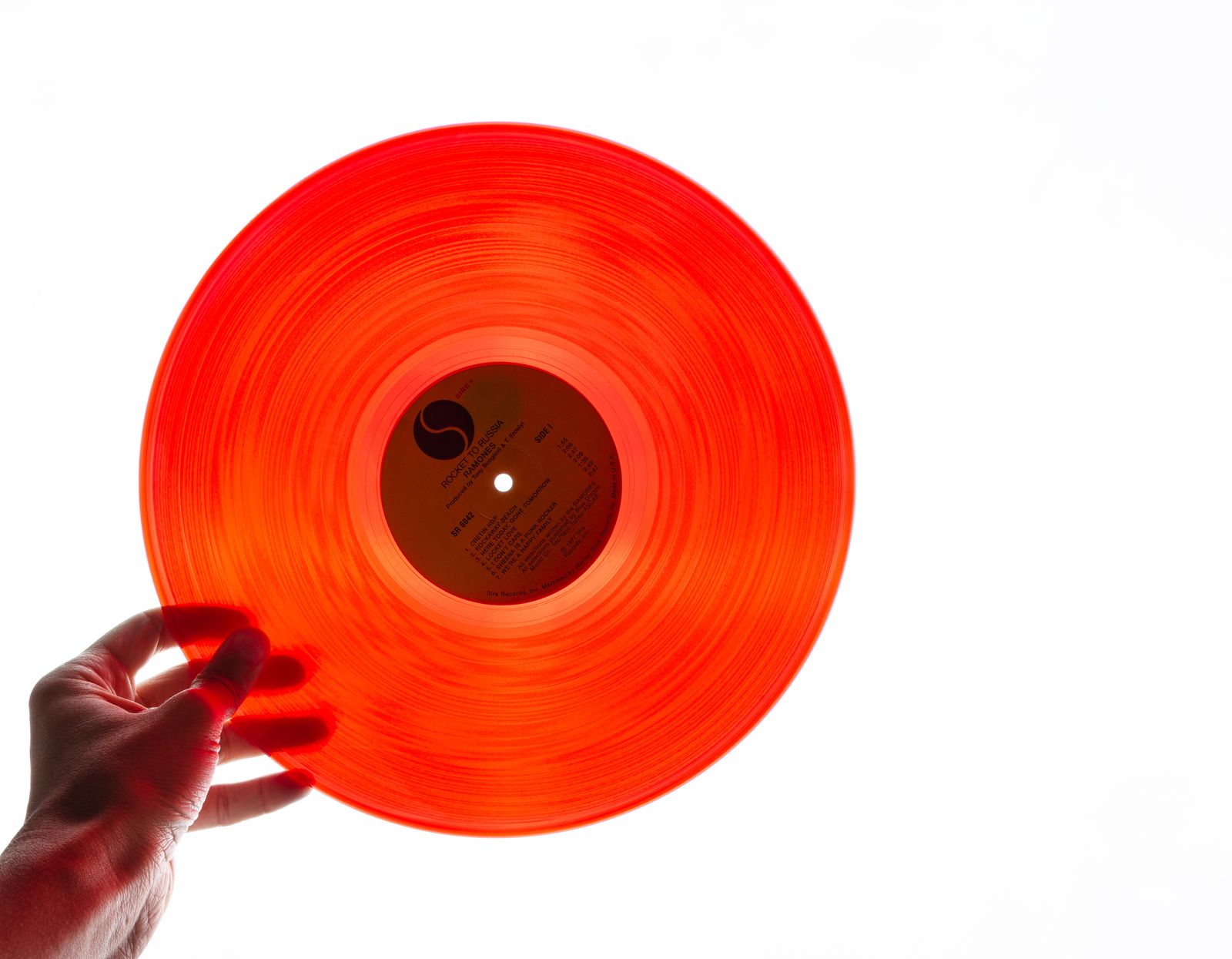
Sound inside a computer is just a long stream of numbers: thousands of times per second the volume level is recorded. CD music takes 44,100 of these snapshots per second (that's the "44.1 kHz sample rate"), and each snapshot is described by 16 bits. That raw stream is the "reference" version of the audio.
The trouble is that the raw stream is huge. So file formats agree on how to pack that audio. And this is where the main dividing line runs: some formats compress audio losslessly (you can unpack it byte-for-byte), others do it with loss (some data is thrown away forever to shrink the file). MP3 and AAC are lossy. WAV and FLAC are lossless. Everything else is detail — but that detail is exactly what decides your choice.
In short
The rule for the whole article: edit in WAV, archive in FLAC, share in MP3. Below we explain why exactly, and when you can break the rule.
MP3 — the universal compromise
MP3 appeared in 1993 and literally changed music: it's what made two-gigabyte players and swapping tracks over a slow connection possible. The secret is perceptual coding: the format discards the details of sound the human ear barely notices anyway (for example, a quiet sound right after a loud one). The loss is hard to hear, yet the file shrinks tenfold.
MP3 quality is set by bitrate — how much data is spent per second of audio. At 128 kbps, good headphones reveal artifacts: "swishy" cymbals, mush in busy passages. But 320 kbps sounds nearly transparent — in blind tests most listeners can't tell it from the original. MP3's trump card is that everything plays it: any phone, car stereo, speaker, or microwave with a beeper. No other format comes close on compatibility.
WAV — raw audio, no compression
WAV is essentially that reference stream saved to a file as-is, with no compression whatsoever (the PCM format). Hence its character: quality is perfect because there's nothing to lose, but the size is enormous. One minute of CD-quality stereo takes about 10 MB — roughly 1411 kbps, many times more than even the fattest MP3.
Why keep such a heavy format? Because WAV is the working format of audio engineers. In editing software (a DAW) audio is always handled uncompressed: it's faster to read and write, and more importantly, no distortion piles up. Every MP3 re-save adds fresh loss, while WAV can be cut and stitched endlessly without any degradation.
WAV's weak spot
WAV has almost no proper support for tags — track title, artist, cover art. That makes it a clumsy format for a music library: files turn into a nameless pile. For storage, FLAC is far more sensible.
FLAC — lossless compression
FLAC (Free Lossless Audio Codec) is the brilliant middle ground between WAV and MP3. It compresses audio with zero loss: from a FLAC you can restore the original WAV byte-for-byte. Yet the file is 40-60% smaller than the original. So a 50 MB WAV becomes a 20-30 MB FLAC — and sounds absolutely the same. There is no audible difference between WAV and FLAC, and there can't be: mathematically it's the same audio.
As a bonus, FLAC is an open and free format, supports tags and embedded cover art (unlike WAV), and holds Hi-Res audio (24-bit, 96 kHz and up). The only downside is compatibility slightly behind MP3: old car stereos and some budget players don't know it. But every modern phone and app opens FLAC without a hitch.
AAC, OGG and Opus: the rest of the field
MP3, WAV and FLAC aren't the only formats, and you've surely met a few more. Here's who hides behind the unfamiliar extensions:
- AAC (
.m4afiles) — a lossy format, the successor to MP3. At the same bitrate it sounds noticeably cleaner, which is why Apple Music, YouTube and most streaming picked it. If you listen from an iPhone, it's almost certainly AAC. - OGG / Opus — open lossy formats. Opus is the most efficient of all today: at 96 kbps it sounds like AAC at 128. It powers voice messages, calls and Spotify.
- ALAC — Apple's answer to FLAC: also lossless, but tuned for the Apple ecosystem.
The takeaway is simple: for everyday listening AAC and Opus are technically better than MP3, but MP3 survives because it's compatible with absolutely everything.
Side by side in one table
Let's gather the essentials so the decision takes a couple of seconds:
| Format | Compression | Size | Tags/art | Compatibility |
|---|---|---|---|---|
| MP3 | Lossy | Small | Yes (ID3) | Universal |
| AAC | Lossy | Small | Yes | High |
| FLAC | Lossless | Medium | Yes | Good |
| WAV | None | Huge | Barely | High |
Which format to choose for the job
Now the specifics — what to use in real situations:
Editing and processing audio
Work in WAV. No loss on re-saves, maximum speed inside the editor.
Storing a music collection
Go with FLAC. Perfect quality, half the size of WAV, with cover art and tags.
Listening on the go, sharing a track
MP3 320 kbps or AAC 256 kbps is enough: transparent to the ear and light on space.
Need to change a file's format?
FormatZ converts images, documents and other files right in your browser — no installs, no sign-up. Fast, free and private.
Open the FormatZ converterWant to understand why some files sound better than others? Start with what audio bitrate is and how lossless differs from lossy. And if you plan to move music between formats, be sure to read how to convert without losing quality.
Frequently asked questions
Read next
 Audio
AudioWhat Is Audio Bitrate: Why 320 kbps Beats 128
What the kbps numbers really mean and what to set in practice.
 Audio
AudioLossless vs Lossy Audio: Can You Really Hear the Difference
An honest look with ABX tests: when FLAC actually matters.
 Audio
AudioHow to Convert Music Without Losing Quality
The golden rule that saves your collection from decay.