Best Free Photoshop Alternatives 2026: Photopea, GIMP, Krita & Pixlr
An Adobe subscription costs about as much as a restaurant dinner every month, and all you really need is to crop a photo, open someone's PSD, or design a banner. Good news: in 2026 free editors have grown up so much that for 90% of tasks you no longer need Photoshop. Here are the four best — no marketing hype, straight to the point.
How free editors caught up to Photoshop
Five years ago the phrase "free Photoshop alternative" sounded like an apology: sure, you don't pay, but don't expect anything serious either. In 2026 that picture has changed. Photoshop still rules the professional market, but three things have shrunk the gap to almost nothing for everyday work.
First, layers and PSD support. Photoshop's core "secret" is non-destructive editing — you can change or undo an effect later without ever damaging the original image. Today every serious free editor handles it, and GIMP finally added proper non-destructive filters in version 3. Second, artificial intelligence. Background removal, smart object selection, content-aware fill — things that once required paid plugins — are now built in for free. Third, the browser. A Photoshop-class editor now opens in a tab in two seconds, with no install and no powerful computer.
In short
The quick version: Photopea is the best "like Photoshop" for most people, GIMP is the most powerful on your own PC, Krita is for drawing, and Pixlr is for editing on the go. Below is what that means in practice.
Photopea — Photoshop right in the browser
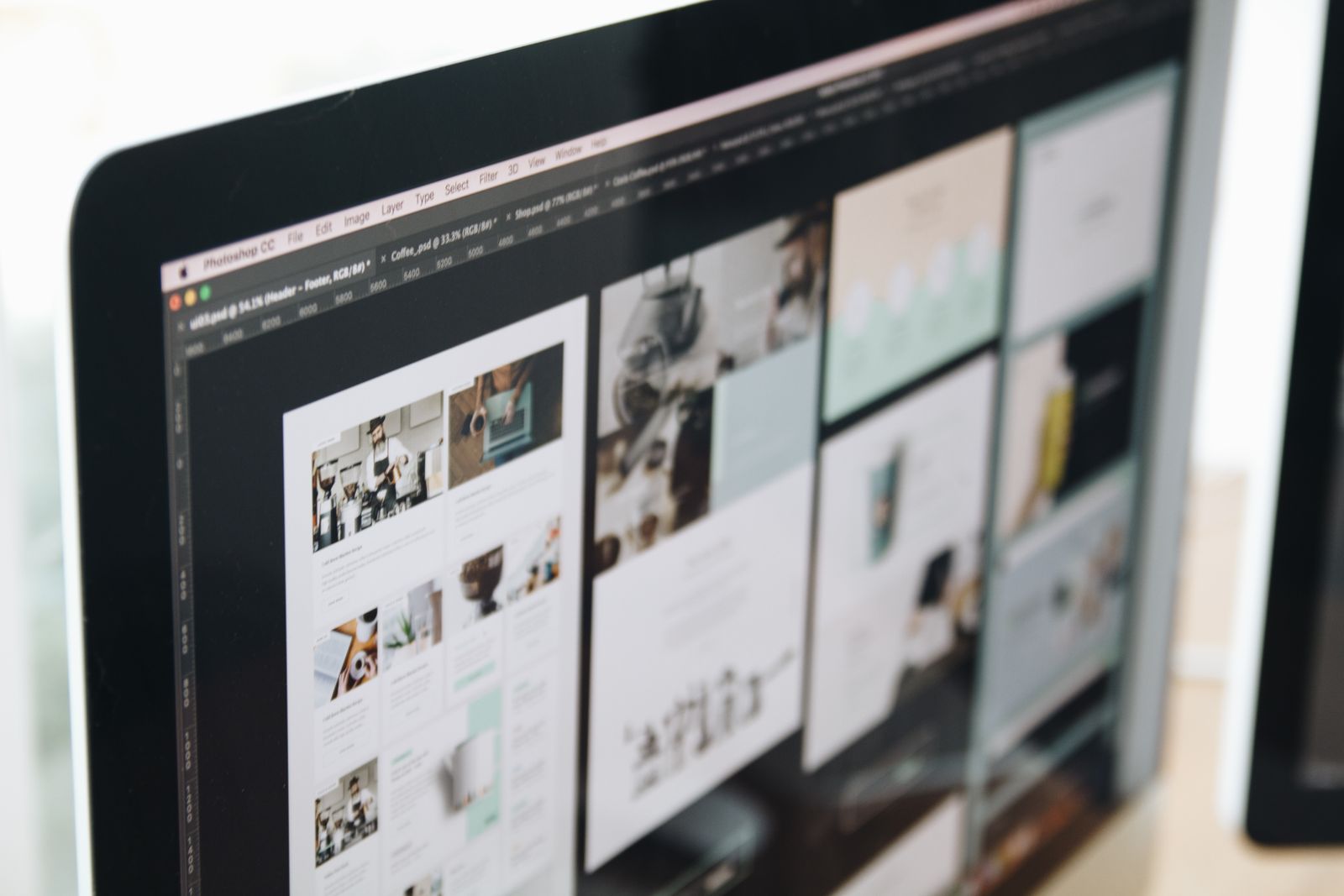
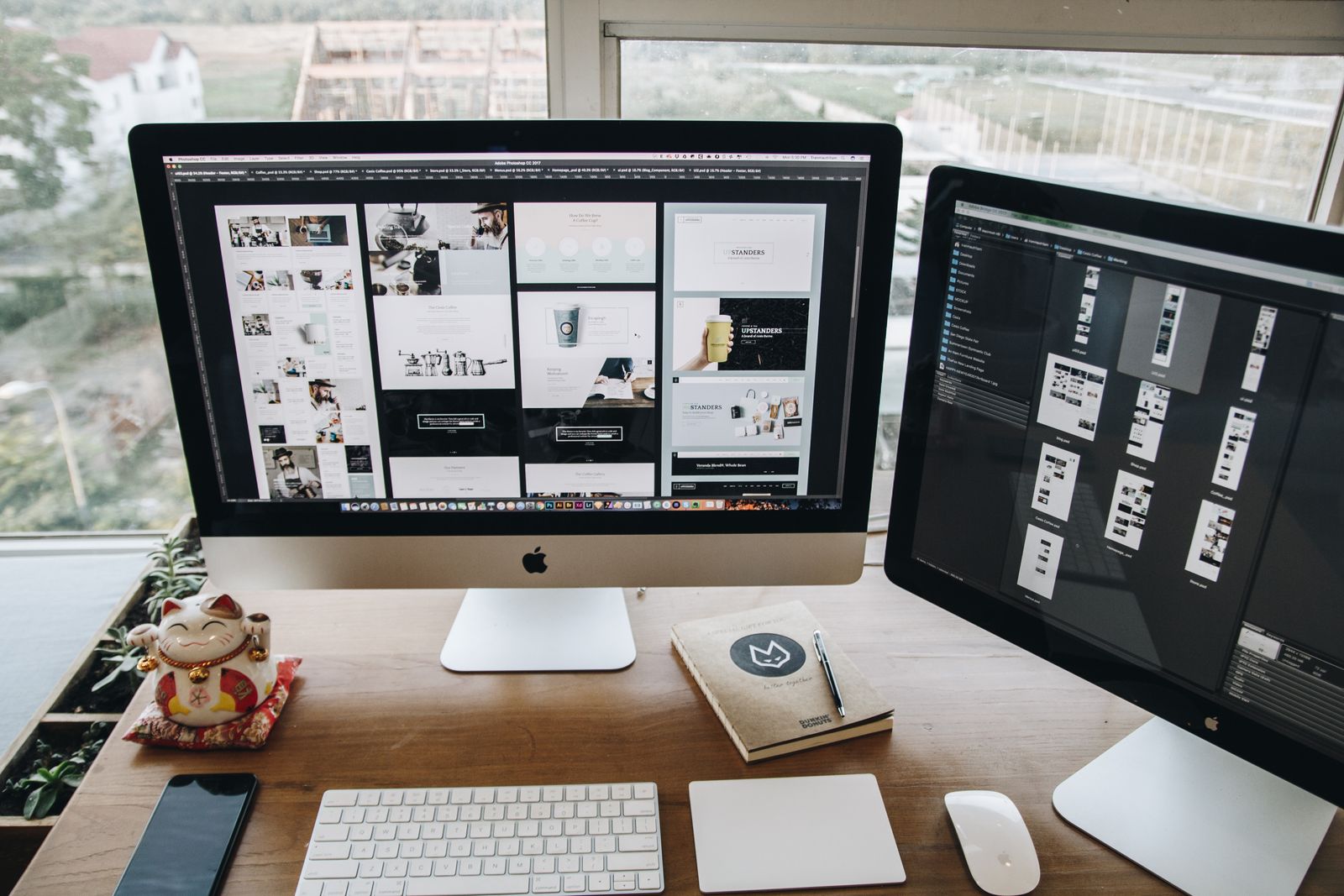
Photopea is probably the closest free editor to Photoshop. It opens in an ordinary browser tab and looks almost like the original: the same layers and tools panels, the same shortcuts, the same logic. Anyone used to Photoshop needs no retraining at all.
Its key advantage is PSD support. Photopea reads and saves Photoshop files with everything intact — layers, masks and effects — so a complex multi-layer mockup opens looking exactly as the designer made it. Beyond PSD, Photopea understands XCF (GIMP), Sketch, XD and dozens of raster formats.
In 2026 Photopea also gained AI tools: one-click background removal, smart object selection and a basic generative fill. They trail dedicated services like Adobe Firefly in quality, but they cover 90% of everyday needs.
How Photopea makes money
The editor is free and lives on ads — an unobtrusive banner on the side. A $5/month subscription simply removes the ad; no feature is locked behind payment. Importantly, all files are processed right in your browser and are never uploaded to a server.
It has one drawback, but a real one: Photopea is bounded by the memory of a browser tab. On files larger than 100 MB or images beyond 8000×8000 pixels it becomes noticeably sluggish. For projects that heavy, open desktop GIMP instead.
GIMP 3 — the most powerful desktop option
GIMP (GNU Image Manipulation Program) is the veteran of free software and the most feature-rich free editor around. It installs on Windows, macOS and Linux and needs no internet. Version 3 finally cleaned up the interface: fresh icons, a tidy layout, and — most importantly — non-destructive editing, which fans had waited years for.
GIMP's biggest strength is extensibility. The free G'MIC plugin adds more than 500 filters: film emulation, artistic styles, noise reduction, neural-network upscaling. That turns GIMP into a genuine image-processing lab with no equal among free programs.
What GIMP still can't do
GIMP has no native CMYK support for print and no generative AI on Photoshop's level. If you prepare layouts for commercial print (magazines, packaging) or lean heavily on AI editing, that is a real limitation.
Krita — for drawing and digital art
If you need Photoshop not for photos but for drawing, the choice is obvious — Krita. This free program was built specifically for artists and has the best brush engine of any free software, accurate graphics-tablet pressure support and built-in animation tools. Many professional concept artists use Krita as their primary tool, not as a "free substitute."
For photo retouching Krita is weaker than GIMP or Photopea — it is about creating an image from scratch rather than correcting a finished one. But in its niche it has no free equal.
Pixlr — quick edits in a minute
Pixlr is another browser editor, and one of the most popular in the world: over 100 million people use it. It has a clear interface with a toolbar, layers, blend modes, filters and AI background removal. In 2026 Pixlr added image generation, AI sharpening, object removal and masking.
Pixlr's logic is "open, fix fast, leave." It is lighter and simpler than Photopea, ideal for straightforward jobs: crop, brighten, remove the background, add text. For deep, many-layered retouching, reach for Photopea or GIMP instead.
Side-by-side comparison
Let's put all four into one table to make the choice clearer:
| Editor | Runs on | PSD | AI | Strength |
|---|---|---|---|---|
| Photopea | Browser | Full | Yes | Closest to Photoshop |
| GIMP 3 | Windows / macOS / Linux | Read | No | Power and plugins (G'MIC) |
| Krita | Windows / macOS / Linux | Read | No | Drawing, brushes, animation |
| Pixlr | Browser | Partial | Yes | Speed and simplicity |
Which one to pick for your task
To save you the guesswork, here's a simple cheat sheet by scenario:
Open someone's PSD and tweak it
Photopea. It opens the file with layers right in the browser, nothing to install.
Serious photo editing on your own PC
GIMP 3 plus the G'MIC plugin. Works offline and handles heavy files.
Draw illustrations and art
Krita. The best brush engine and tablet support.
Quickly crop or remove a background
Pixlr. Open it, fix it in a minute, download.
There's a separate case: when you don't need to edit a file at all, just view it or pull a finished image out of it. Then you don't even need an editor — it's easier to convert PSD to PNG and open the result in any viewer. More on that in our guide "How to open PSD without Photoshop."
Just need to open a PSD, not edit it?
Convert a Photoshop file to a plain PNG right in your browser — free, no install, no sign-up. After that any program will open it.
Convert PSD to PNG
And if you need to pull individual illustrations out of a project, other converters help too — for example XCF to PNG for GIMP files. The full list of conversions is on the all formats page.