Kindle Formats: MOBI, AZW3 and EPUB
You found a book online, downloaded it — and your Kindle won't open it. Or the opposite: you heard that "Kindle reads EPUB now," but you can't work out how. Let's untangle Amazon's zoo of formats: why MOBI became history, what the cryptic AZW3 and KFX actually are, and how to get any book onto your reader in under a minute.
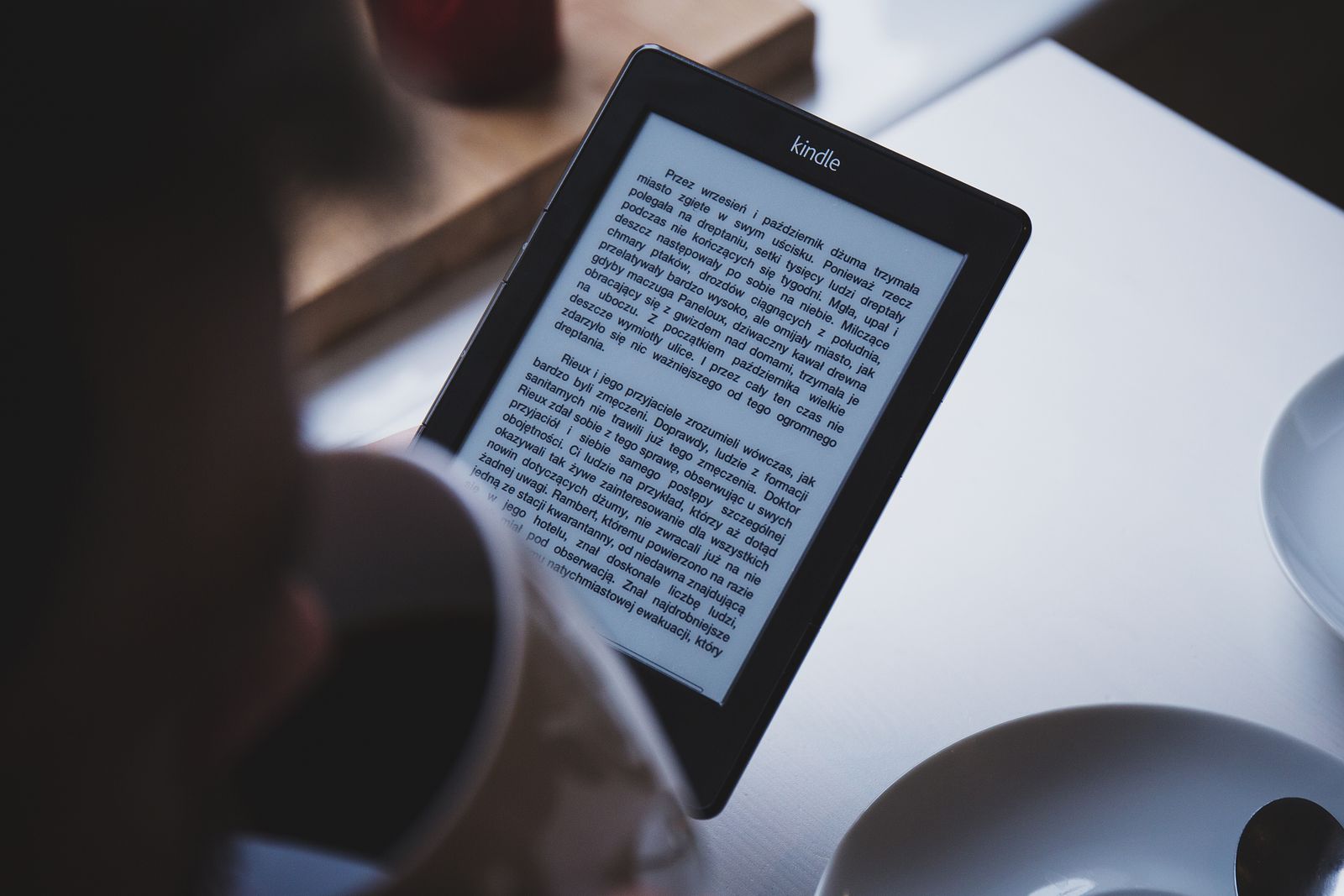
What Kindle reads today
Let's start with the biggest misunderstanding. Kindle is a closed ecosystem: for decades Amazon pushed its own book formats and flatly refused to support EPUB — the standard the entire rest of the ebook world runs on. That left a fog of confusion around Kindle: MOBI, AZW, AZW3, KFX, KF8, KF10 — the acronyms multiply, and it's unclear which of them are still alive.
Let's lay it out. Inside a modern Kindle, books are stored in Amazon's native formats — AZW3 (KF8) and KFX (KF10). But you'll almost never touch those directly: they're created automatically. What matters are the input formats you send to the reader — there are now several, and the key one is, surprisingly, EPUB.
In short
Keep two ideas apart. The input format is what you send to Kindle (EPUB, PDF, DOCX, TXT…). The native format is what Amazon turns it into for storage and reading (AZW3 or KFX). Only the first one is your concern.
MOBI: the end of an era
If you go back to the early Kindles, you'll remember MOBI — for years it was the Kindle book format. Technically MOBI grew out of the even older Mobipocket, and by today's standards it's primitive: no modern typography, no embedded fonts, no clean handling of complex layouts.
So in 2022 Amazon effectively buried MOBI as an input format: Send to Kindle stopped accepting new .mobi files (along with .azw and .prc). EPUB became the main input format instead. This wasn't a whim but a logical move: MOBI was obsolete, and converting modern books into it meant throwing away layout quality.
About your old books
"Buried" doesn't mean "erased." MOBI books already sitting in your Kindle library didn't go anywhere — Amazon converts them to KF8 (AZW3) and they keep opening fine. What changed is the acceptance of new MOBI files: those can no longer be uploaded.
AZW3 and KFX: Kindle's native formats
Now for the two formats Kindle actually stores and displays books in. You don't need them memorized, but understanding the difference helps.
AZW3 (a.k.a. KF8) is the format for older Kindle models. Compared to ancient MOBI it's a big leap: it's built on web technologies (HTML5/CSS3) and handles proper fonts, styles and layout. For a long time AZW3 was the "modern face" of Kindle books.
KFX (a.k.a. KF10) is Amazon's newer format. Its signature feature is Enhanced Typesetting: better hyphenation, ligatures, tighter text setting, plus perks like Word Wise and X-Ray. On current readers and apps, books are most often delivered as KFX.
Which of the two a given book gets is decided by Amazon, not you — based on your device model and app version. All you have to do is send the book in a supported input format, and the system picks the optimal native one.
EPUB and Send to Kindle
Here's the news that trips people up: yes, Kindle "reads" EPUB — but it doesn't store it. When you send an EPUB through Send to Kindle, the file goes to Amazon's servers, is automatically converted to a native Kindle format (AZW3 or KFX), and gets delivered to your devices in that form. To you it looks seamless: send an .epub, and a minute later the book is on your reader.
This is a huge simplification over the old days. You used to have to convert EPUB to MOBI by hand with third-party software. Now you just grab any EPUB — the most common book format in the world (more in our EPUB vs PDF vs FB2 guide) — and send it.
One more change: as of January 2026, Amazon lets you download your purchased DRM-free books in EPUB and PDF. So the Kindle ecosystem became noticeably more open in both directions — on the way in and on the way out.

How to get your book onto a Kindle
The practice is simpler than the theory. Send to Kindle has three "doors" — pick whichever suits you:
By email
Every Kindle has a personal address like name@kindle.com (find it in your Amazon account settings). Attach the EPUB to an email and send it there.
Via the web or app
Open the Send to Kindle page or the app on your phone/computer and just drag the file in — the book syncs to your devices.
Wait for conversion
Amazon turns the EPUB into a native Kindle format and syncs the book. Usually it takes under a minute.
The supported input formats you can send: EPUB, PDF, DOC/DOCX, TXT, RTF, HTM/HTML and images (PNG, JPG, GIF, BMP). If your book is in FB2 or another "unaccepted" format, convert it to EPUB first and everything else runs like clockwork.
PDF on Kindle: possible, but careful
Kindle accepts PDF too, which is handy for documents, articles and manuals. But remember the key limitation: PDF is a fixed-layout format. Its text doesn't reflow to your screen size, so reading a novel-length PDF on a 6-inch reader is painful — you'll be zooming and panning around the page.
Takeaway: send PDF when exact layout matters (tables, diagrams, forms). For an ordinary book you read straight through, EPUB is always preferable — Amazon converts it into a reflowable format and you can freely enlarge the font.
Bottom line: what to send
Let's condense it into a quick cheat sheet.
- EPUB — the default choice for any book. Amazon accepts and converts it.
- PDF — only for layout-critical content (documents, sheet music, tables), not for novels.
- DOCX / TXT / RTF / HTML — also accepted; handy for your own drafts and notes.
- MOBI — no longer works as input; if a book is only in MOBI, convert it to EPUB.
- FB2 — Kindle doesn't understand it; convert to EPUB first.
Prep your book for Kindle in seconds
Got a file in the wrong format? The FormatZ converter reshapes the book into what you need — EPUB to PDF or back — right in your browser, no install required.
Open the EPUB converterWant to understand the book formats themselves? Start with our EPUB vs PDF vs FB2 overview, and if you plan to build a book yourself, see the guide to creating an ebook. The full list of conversions lives on the all formats page.
Frequently asked questions about Kindle formats
Read next
 Comparison
EPUB vs PDF vs FB2: The Best Ebook Format
Reflowable text versus a fixed page — which is nicer to read.
 Documents
How to Create an Ebook (EPUB/FB2)
From Word to a finished book: Calibre, Sigil and Pandoc, step by step.
 Basics
What Is PDF? The Same on Every Device
How the fixed-layout format works and why it exists.