EPUB vs PDF vs FB2: The Best Format for Ebooks
You downloaded a book and it came in three files: .epub, .pdf and .fb2 — which one do you open? That choice decides whether you enjoy the read or spend the evening dragging a page around your screen. Let's unpack how reflowable text differs from fixed layout, and which format wins in your exact situation.
The core difference: text flows or stays put
To understand these three formats once and for all, you only need one question: what happens to the text when you make the font bigger? The answer splits every book format into two camps.
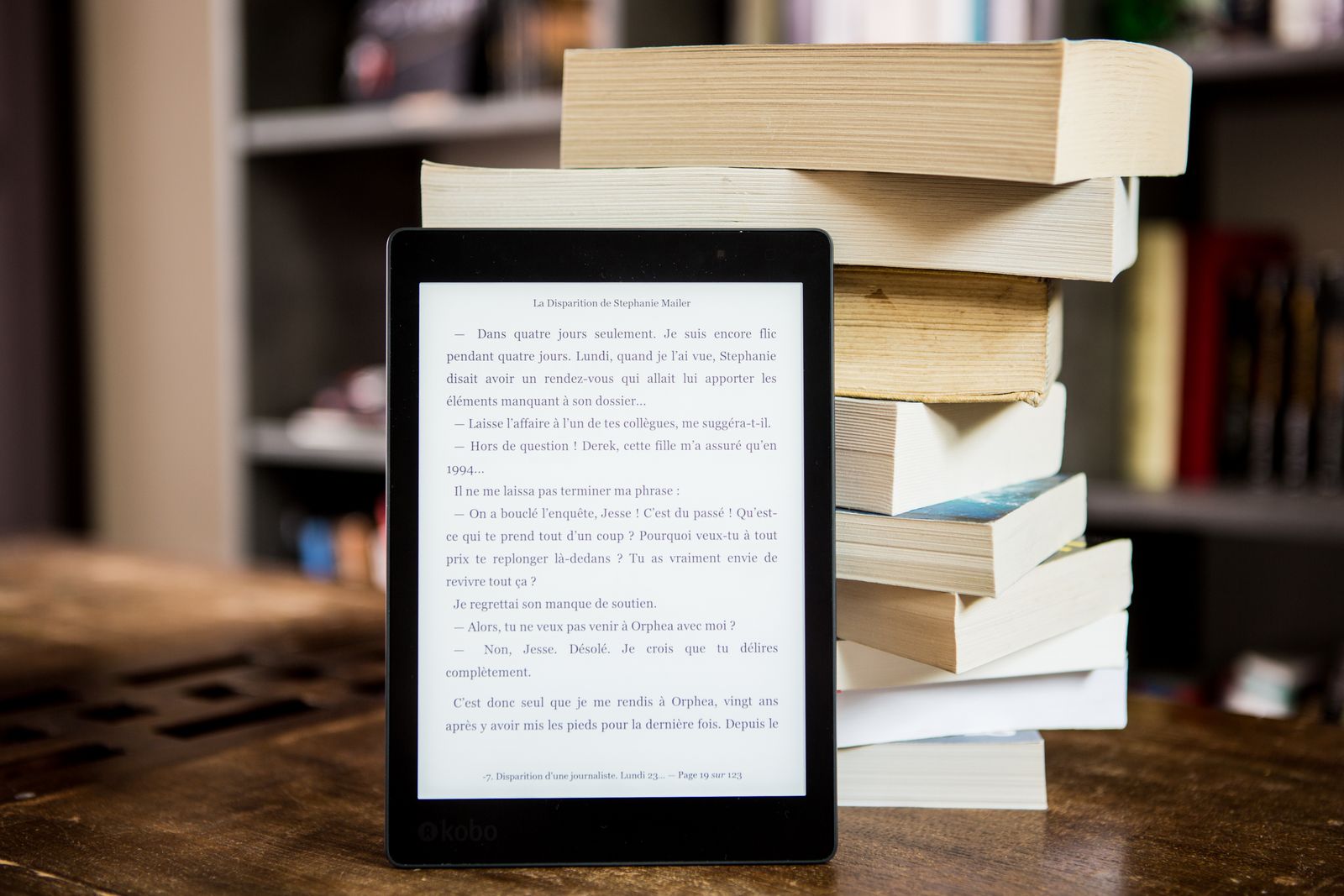
Reflowable text — that's EPUB and FB2. The book is stored not as a set of pages but as a continuous stream of paragraphs. The reader itself decides how many words fit on a line and where a "page" ends, adapting to your screen size, chosen font and margins. Make the letters bigger, and the text re-flows: fewer lines per screen, more "pages." This is exactly how Kindle, Apple Books, PocketBook and phone reading apps work.
Fixed layout — that's PDF. Here a page is like a scanned sheet of paper: every letter, image and margin is nailed to its coordinates. The text never reflows. On a big monitor that's perfect; on a phone screen it's the very torture of constant zooming.
In short
EPUB and FB2 adapt to your screen — they are "reading" formats. PDF preserves the page exactly as designed — it is a "viewing and printing" format. Half of every argument about book formats really comes down to this single difference.
EPUB: the open standard for reading
EPUB (Electronic Publication) is the international ebook standard maintained by the W3C — the very same body that sets the standards of the web. That's no coincidence: under the hood, EPUB is basically a tiny website. Rename an .epub to .zip, unpack it, and you'll find HTML files for the chapters, CSS stylesheets, images and a small file with the table of contents. The reader essentially opens that mini-site and displays it beautifully.
Every strength of the format flows from that web nature. EPUB can change the font and its size, the theme (day / night / sepia) and line spacing; it supports a linked table of contents, footnotes, embedded fonts and images. The current version, EPUB 3, added audio, video, interactivity and proper math support — this is a full-blown multimedia book.
The headline advantage is compatibility. Almost everything reads EPUB: Apple Books, Google Play Books, Kobo, PocketBook and reader apps on Android and iOS. For a long time Kindle was the exception — Amazon clung to its own formats. But even that is history: today Send to Kindle accepts EPUB and converts it to a Kindle format for you (more on that in our guide to Kindle formats).
Worth knowing
EPUB also has a fixed-layout mode — used for children's picture books, comics and cookbooks, where the exact arrangement matters. So "EPUB = always reflowable" is a simplification: usually yes, but not always.

FB2: a whole book in one XML file
FB2 (FictionBook) is a format that grew up in the Russian-speaking internet and is still popular across Eastern Europe and the CIS. Unlike the EPUB archive, the entire book is a single XML file: text, markup and metadata (author, genre, blurb) all live together. Images are encoded right inside the file as Base64, so the book stays one tidy, easy-to-share document.
FB2's philosophy is to describe the structure of a book, not its styling. The format marks up meaningful parts specifically: a chapter heading, an epigraph, a poem, a footnote, a quote. How that looks is up to the reader app. Libraries and enthusiasts love this approach: FB2 files are clean, predictable, easy to catalogue and easy to convert into anything.
There is exactly one downside, but it's a big one: outside the Russian-speaking world, hardly anyone knows FB2. Apple Books and Kindle won't open it out of the box. So FB2 is a great format for storing and reading on a PocketBook or in apps like FBReader and AlReader, but if you're sharing a book with someone abroad, it's safer to convert it to EPUB first.
PDF: when a fixed page makes sense
We have a separate deep dive on PDF — what PDF is — so here the key question is different: when is PDF genuinely the best choice for a "book," and when is it a trap?
PDF was invented so a document would look absolutely identical on any device and on paper. For book content that pays off wherever the layout is inseparable from the meaning:
- Textbooks and academic works with diagrams, formulas and tables, where it matters that a caption sits exactly under the right figure.
- Sheet music, blueprints, infographics — anything you can't "reshuffle" without losing meaning.
- Print-ready documents — if the book will be printed, PDF guarantees an exact result.
For a 400-page novel, though, PDF is a bad idea. On an e-reader or phone you can't comfortably enlarge the font: the whole page just scales up, margins and all, and you end up shuffling around it. That's the exact pain reflowable formats solve.
A side-by-side comparison
Let's put it all in one table — it's easier to see who is built for what.
| Property | EPUB | FB2 | |
|---|---|---|---|
| Layout type | Reflowable | Reflowable | Fixed |
| Changes font & size | Yes | Yes | No |
| Built from | ZIP of HTML + CSS | One XML file | Pages with coordinates |
| Standard | W3C, open | Open, CIS | ISO, open |
| Compatibility | Very wide | Mostly CIS | Absolute |
| Kindle | Via conversion | No | Yes, but awkward |
| Best for | Any book | Fiction | Print, layout, PDF docs |
Which one to pick for your task
Theory is nice, but you need one file that opens and feels good. Here are the short scenarios.
- Reading fiction on a phone or e-reader. Take EPUB or FB2 — both reflow. Choose between them by device: EPUB for Apple Books and most non-Amazon readers, and for PocketBook or Russian-language apps either works equally well.
- Want to read on a Kindle. EPUB: Amazon will accept and convert it. FB2 has to be turned into EPUB first.
- A textbook with diagrams, sheet music, a comic. PDF or fixed-layout EPUB — here layout matters more than flexibility.
- Need to print it or send it "as is." PDF: it looks the same for everyone and on paper.
- Building a personal library. Keep EPUB as your universal "master format": everything else is easy to generate from it.

How to convert a book between formats
Good news: EPUB, FB2 and PDF don't lock your text away. Reflowable formats convert into each other and into PDF without losing content — only the presentation changes. The most common move is turning EPUB into PDF, so you can print the book or read it on a large screen with a fixed layout.
Upload the book file
Drag your .epub into an online converter — nothing to install.
Pick the target format
EPUB → PDF for print and big screens; or stay in reflowable formats for your reader.
Download the result
The finished file opens in your reader app or PDF viewer.
Mind the direction: pulling text out of EPUB and FB2 is easy because they keep the book's structure. Going back out of PDF, though, is harder — a fixed layout doesn't store the logic of paragraphs and chapters, so the result almost always needs manual cleanup.
Convert your book to a handier format now
The free FormatZ converter turns EPUB into PDF in a couple of seconds — right in your browser, with no install and no sign-up.
Convert EPUB to PDFIf you work more with office documents than with books, our breakdowns of PDF vs DOCX and converting PDF to Word will be useful. And the full list of supported conversions is always on the all formats page.
Frequently asked questions about EPUB, PDF and FB2
Read next
 Documents
Kindle Formats: MOBI, AZW3 and EPUB
What a Kindle reads today and why MOBI became history.
DocumentsHow to Create an Ebook (EPUB/FB2)
From Word to a finished book: Calibre, Sigil and Pandoc, step by step.
 Comparison
DjVu vs PDF: Which to Choose for Scans and Books
The format built for scanned books versus the universal PDF.