PSD vs PNG and JPG: Source File vs Final Image
"Just send me the PSD" — followed instantly by "Why won't it open?" The mix-up between PSD, PNG and JPG is a classic. But they aren't really rivals: they're different links in one chain. PSD is where you work; PNG and JPG are what you show. Let's untangle the difference and figure out which format to pick in each situation.
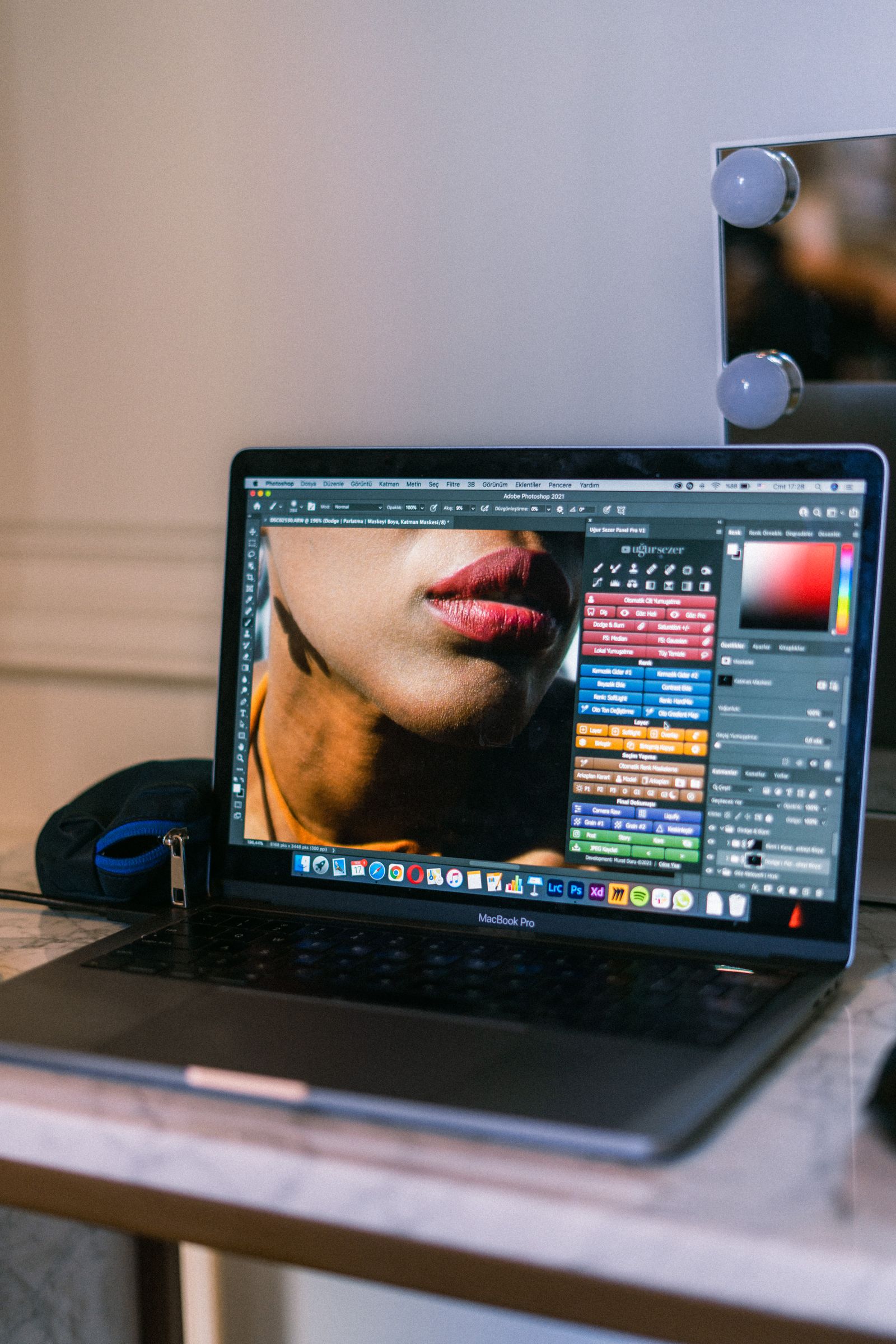
The core difference in one line
If you remember only one sentence, make it this: PSD is a source for editing, while PNG and JPG are finished pictures for showing. Everything else is detail that flows from that single idea.
A real-life analogy: PSD is the recipe and the kitchen where the dish is prepared; PNG and JPG are the plate set in front of the guest. In the kitchen you can change anything — add spices, rearrange ingredients, start over. The plated dish is already served — you eat it, you don't turn it back into raw ingredients.
In short
Working on the design — keep and edit the PSD. Ready to show the result — export to PNG (for transparency and quality) or JPG (for a light file).
PSD: the working source
PSD (Photoshop Document) is Adobe Photoshop's native format. Inside it holds the whole project: layers, masks, text, effects and adjustment layers. Every element stays separate and editable — move it, recolor it, rewrite it at any time.
The price of that flexibility is size and compatibility. A PSD easily weighs hundreds of megabytes and won't open in a browser: it's a format for designers, not for publishing. We cover how it's built in our article on what PSD is.
PNG: quality and transparency
PNG (Portable Network Graphics) is a format for final images that compresses losslessly. That means quality doesn't suffer after export: not a single detail is thrown away to save space.
PNG's two superpowers:
- Transparency. PNG can store a transparent background via the alpha channel — indispensable for logos, icons and elements that sit on top of another background.
- Crisp edges. On graphics with sharp lines, text and flat fills, PNG looks perfect, with no "fuzz" around the outlines.
The downside is weight: photos in PNG come out heavy. For photographs, JPG is the usual choice.
JPG: lightweight and photos
JPG (also JPEG) is the most common format for photographs. Its secret is lossy compression: the algorithm throws away what the eye barely notices and, in return, makes the file many times lighter than PNG.
For photos with smooth color transitions this is ideal: at a sensible quality level it's almost impossible to tell JPG from the original, yet it weighs next to nothing. But the format has weaknesses: no transparency, and on sharp edges and text it shows visible artifacts — "halos" around the outlines.
The re-save trap
JPG loses quality on every save. Open, tweak a little, save — repeat a few times and the picture gradually falls apart. That's why it's always better to edit from the original PSD and only hand out the final result as JPG.
Side-by-side comparison
Let's pull it all into one clear table:
| Property | PSD | PNG | JPG |
|---|---|---|---|
| Purpose | Editing | Graphics, logos | Photographs |
| Layers | Yes | No | No |
| Compression | Lossless | Lossless | Lossy |
| Transparency | Yes | Yes | No |
| In a browser | No | Yes | Yes |
| Weight | Large | Medium | Small |
Which format to choose
To stop guessing, keep this simple cheat sheet by use case:
- Design in progress, edits needed → PSD. It's your only editable source.
- Logo, icon, image with a transparent background → PNG. Only it keeps transparency without quality loss.
- Photo for a website, email or social media → JPG. Light file and losses you won't see.
- Screenshot, diagram, image with text → PNG. Crisp edges with no artifacts.
- Document for print or signing → PDF (also exportable from PSD).
Common mistakes
- Sending a client a PSD instead of a picture. If someone needs a social-media banner, they can't open a PSD — send PNG or JPG.
- Storing a logo as JPG. The transparency disappears and artifacts appear around the letters. Logos belong in PNG.
- Uploading PNG photos to a website. They load slowly and weigh three times more than they should. Photos go in JPG.
- Throwing away the original PSD. Without it, any edit turns into a rebuild from scratch.
Turn your PSD into a finished picture
The free FormatZ converter flattens the layers and exports your project to PNG or JPG in a couple of seconds — right in your browser, with no install.
Convert PSD to PNGNeed a light file for a photograph? Choose PSD to JPG. And if you're not sure what a PSD even is and why it's built this way, start with the basics — what PSD is. The full list of conversions is on the all formats page.
Frequently asked questions
Read next
 Basics
What Is PSD? The Layered Photoshop Format
Why a PSD is a project, not a picture, and what's inside it.
 Guide
GuideHow to Convert PSD to PNG, JPG or PDF the Right Way
Pick the right format for the job and keep your quality.
 How-to
How to Open PSD Without Photoshop: Free Ways
GIMP, Photopea, Krita and an online converter.