What Is PSD? The Layered Photoshop Format
Someone sends you a .psd file, you double-click it, and all you get is an "Open with…" dialog with nothing familiar in it. That is because a PSD is not really a picture at all — it is a working Photoshop project, complete with every layer, mask and effect. Let's unpack what lives inside, why the file is so heavy, and what to do with it when you don't own Photoshop.
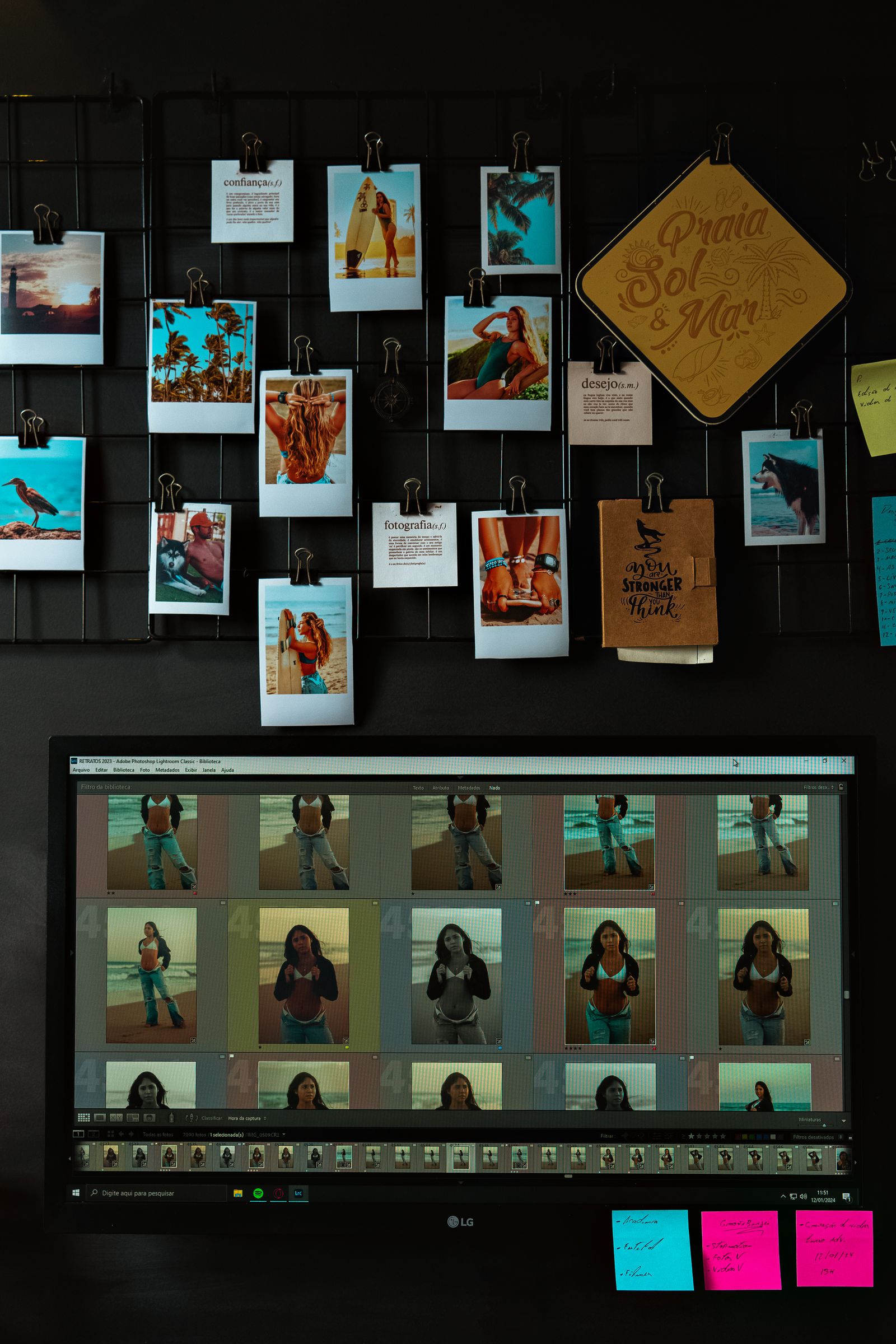
What PSD is in plain English
PSD (Photoshop Document) is the native file format of Adobe Photoshop. The one thing to grasp from the start is this: a PSD does not store a finished image — it stores the entire project. Every layer, mask, text element, effect and setting sits inside separately and stays editable at any time.
The clearest analogy is a text document. A .docx file is an editable source: you can change the font, reorder paragraphs, fix a typo. A PDF or a printed page is the "frozen" result — you read it, you don't edit it. PSD plays the role of .docx in the world of pictures, while PNG and JPG play the role of the printout.
In short
PSD is an editable source, not a final picture. It is where posters, banners, web mockups and retouching are built; to show or publish the work you "flatten" the project and export it as PNG or JPG.
Where the format came from
The PSD story starts the same place Photoshop does. In the late 1980s the brothers Thomas and John Knoll wrote an image-editing program, and in 1990 Adobe shipped the first version of Photoshop for the Mac. The format that held its projects took the extension .psd — Photoshop Document — and has been at its heart ever since.
The format never stood still. It gained layers (Photoshop 3.0), then masks, adjustment layers, smart objects and layer styles. Each major release added new capabilities to the file, yet Adobe carefully kept backward compatibility: a PSD made today will usually still open in an older version — just without the newest tricks.
Today PSD is the de facto industry standard. The work of photographers, graphic and web designers, retouchers, illustrators and print shops rests on it. When people in the field say "send me the source," they almost always mean a PSD.
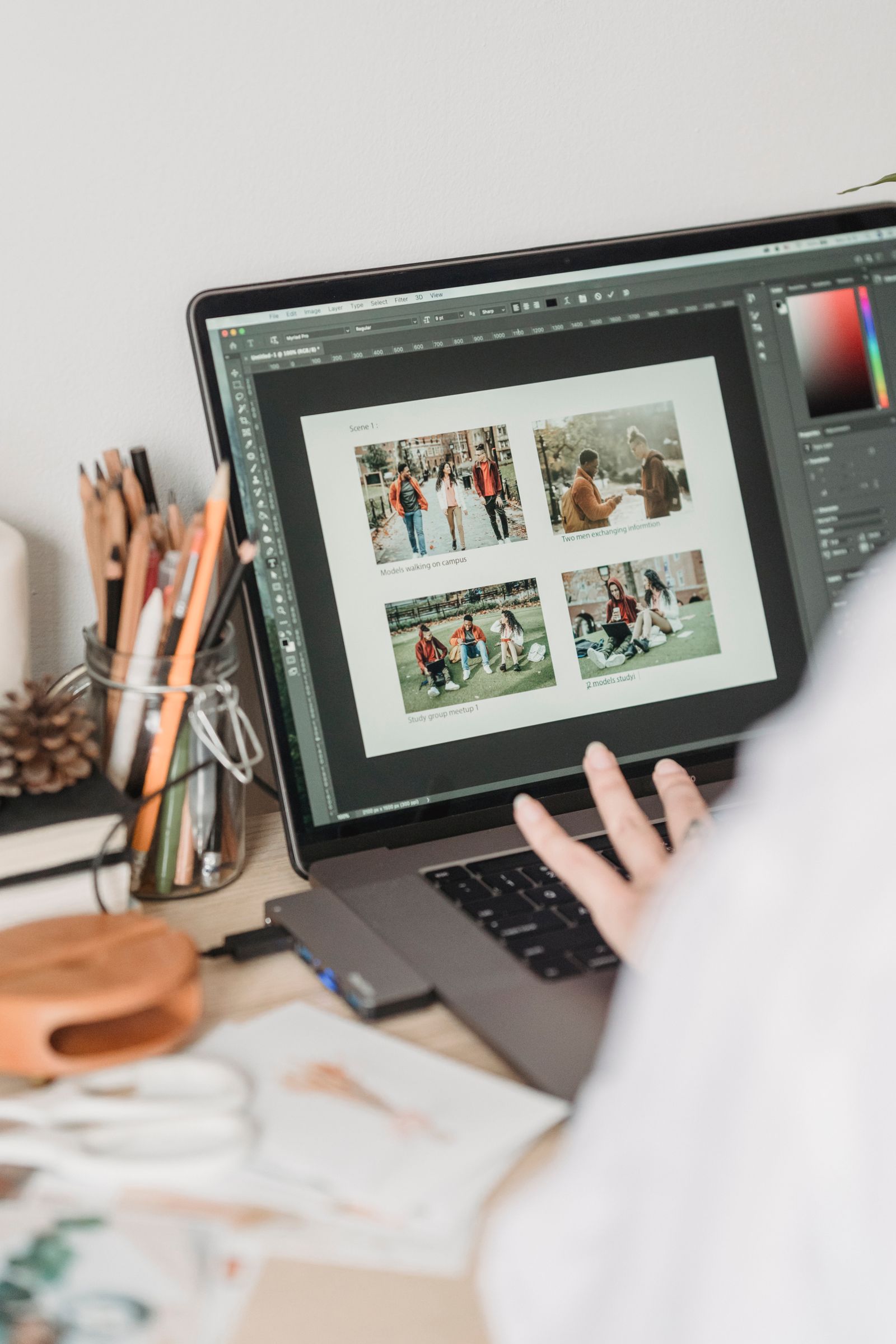
What lives inside a PSD file
Open a PSD "from the inside" and you find a neatly organised container. It begins with a header recording the document's basics: canvas width and height, color mode, bit depth and channel count. Then come the layer and mask data, and at the very end a flattened image of the whole document that programs use as a quick preview.
Here is what a typical PSD usually holds:
- Raster layers — pixel images: photos, fills, textures.
- Text layers — captions that stay editable: change the font, the size or the words themselves.
- Adjustment layers — brightness, contrast, curves and color grading that alter the picture without harming the original pixels.
- Masks and channels — data about which parts of a layer are visible, plus the alpha transparency channel.
- Styles and effects — shadows, strokes, glows, gradient overlays.
- Smart objects — nested "containers" that can hide a whole separate file or vector graphic inside.
Layers, masks and smart objects
Layers are the central idea of Photoshop and the whole reason PSD exists. Picture a stack of clear transparency sheets: the background on one, a model on the next, text on a third, a logo on a fourth. Each sheet can be moved, hidden, made semi-transparent or deleted without touching the others. That is exactly how a layered document works.
Masks add flexibility. Instead of erasing the unwanted parts of a layer for good, you simply "paint out" the areas you don't want on a mask. Changed your mind? Paint them back. Nothing is ever lost.
Smart objects are another level of magic. An imported picture or logo can be scaled up and down as much as you like: the smart object remembers the original and never loses sharpness. And editing the contents of one smart object automatically updates all its copies in the layout — a dream for templates and mockups.
Why PSD files are so heavy
The big surprise for beginners is the size. The image on screen looks like an ordinary photo, yet the file weighs 300 MB. Why? Because a PSD stores not one image but all the layers at once, each with its own pixels, masks and effects. Add the embedded preview and the settings history, and the megabytes pile up fast.
The second reason is compression. PSD uses the lossless RLE algorithm: it never throws data away to save space the way JPEG does. Quality stays perfect, but the file is honestly "heavy."
About size limits
A regular PSD has a ceiling: 30,000 pixels on any side and 2 GB per file. If you are building a giant print banner and hit that wall, Adobe offers the "large" PSB format (Large Document Format), which goes up to 300,000 pixels and a practically unlimited size.
PSD vs PNG and JPG
This is the most common mix-up, so let's lay it out clearly. PSD, PNG and JPG solve different problems at different stages of the work.
| Property | PSD | PNG | JPG |
|---|---|---|---|
| Role | Source for editing | Lossless final | Lightweight final |
| Layers | Yes | No | No |
| Transparency | Yes | Yes | No |
| Compression | Lossless | Lossless | Lossy |
| Opens in a browser | No | Yes | Yes |
| Typical weight | Large | Medium | Small |
The takeaway is simple: keep the PSD for editing and hand people PNG or JPG. We dig into the difference in a dedicated article — PSD vs PNG and JPG.
How to open PSD without Photoshop
Photoshop costs money and not everyone has it — but that doesn't stop you from opening a PSD. The approach depends on what you need: just to view and save the picture, or to actually work with the layers.
You only need the picture
Convert the PSD to PNG or JPG — the file will open anywhere, in any viewer.
You need layers for free
Open the PSD in GIMP, Krita or the online editor Photopea — they understand layers to varying degrees.
You just want a peek
XnView and other viewers show the flattened image without installing heavy editors.
Open your PSD in a couple of seconds
The free FormatZ converter flattens the layers and turns a Photoshop project into a clean PNG — right in your browser, with no install and no sign-up.
Convert PSD to PNGNeed the lightest possible picture for email or the web? Then PSD to JPG is the way to go. And the full list of conversions is always on the all formats page. Want to go deeper? Read our full guide on how to open PSD without Photoshop.
Frequently asked questions about PSD
Read next
 How-to
How to Open PSD Without Photoshop: Free Ways
GIMP, Photopea, Krita and an online converter — no Photoshop purchase needed.
 Comparison
PSD vs PNG and JPG: Source File vs Final Image
When to use which format, and why you must never confuse them.
 Tech
TechLayers, Masks and Smart Objects: How a PSD File Works
A look inside the format, taken apart piece by piece.