What Is JPEG 2000? The JP2 Format Explained in Plain English
Someone sent you a file ending in .jp2 or .j2k, and none of your usual apps will open it. That is JPEG 2000 — a format that technically beats ordinary JPEG on almost every count, yet stayed firmly behind the scenes. Let's unpack what's inside it, what wavelets have to do with it, and why such an elegant format is so rare in everyday life.
What JPEG 2000 is in plain English
JPEG 2000 is an image-compression format that the very same group of engineers (the Joint Photographic Experts Group) built to replace the classic JPEG. Hence the name with a year in it: the new standard was adopted in 2000 as ISO/IEC 15444-1. The files usually carry the extension .jp2, so people often just call it JP2.
The ambition was bold: take everything people criticised about old JPEG and fix it in one stroke. Get rid of the ugly little squares on heavily compressed photos. Add proper lossless compression. Teach the image to load gradually — from a blurry preview to a crisp original. And do it all inside one universal container. On the engineering side, it worked. On the popularity side, it did not — and that deserves its own discussion.
In short
JPEG 2000 is "JPEG, rebuilt and done right." It is cleaner and more flexible technically, but heavier to process and barely supported by browsers. So it settled into professional niches rather than your phone.
Where the format came from
By the late 1990s ordinary JPEG was already seven years old and its weaknesses were obvious. Push the compression hard and the picture broke into squares; the lossless mode was poor; and there were no "smart" features such as partial loading. The JPEG committee, chaired by Touradj Ebrahimi, took on a new standard and worked on it from 1997 to 2000.
They bet on fundamentally different maths — the wavelet transform instead of the old block-based approach. It was fashionable and promising: wavelets were entering signal processing in a big way. The result looked beautiful on paper and in the lab. Then the format met the harsh reality of a market where "good enough" JPEG was already everywhere.
Wavelets instead of blocks: the trick
To understand JPEG 2000 you only need to grasp one difference. Ordinary JPEG cuts the image into 8×8-pixel squares and compresses each one separately using the DCT transform. At light compression you don't notice it, but squeeze the file harder and the edges of the squares become visible. Those are the famous "blocking artifacts."
JPEG 2000 does it differently. It applies a wavelet transform (DWT) to the entire image at once, breaking it into "layers" of detail — from rough outlines down to the finest texture. There are no squares at all. When the file is compressed hard, the picture does not fragment; it softly blurs, which the eye finds far more pleasant than ragged blocks.
An analogy
JPEG is like a mosaic of square tiles: lovely from afar, seams visible up close. JPEG 2000 is like watercolour — the less paint, the blurrier the picture, but with no hard edges. That is why a heavily compressed "watercolour" looks more natural.
If you want the technical detail: under the hood JPEG 2000 uses two different recipes — a smoother one for lossy photos, and a precise integer one for lossless files that puts every pixel back exactly as it was. Their names (the 9/7 and 5/3 wavelets) only matter if you build the software. We dig into the head-to-head in our article JPEG 2000 vs regular JPEG.
Superpowers: lossless, ROI and progressive
Wavelets gave JPEG 2000 not just a cleaner picture but a set of features old JPEG simply does not have.
- Lossless and lossy in one format. Want a light photo? Use the lossy mode. Need an exact archive? The lossless mode keeps every last pixel. JPEG can't do this — it is almost always lossy.
- Progressive transmission. The file can be decoded gradually: a rough preview first, then sharper and sharper. On a slow connection the picture "develops" instead of crawling down line by line.
- Region of Interest (ROI). You can mark an important area — a tumour on a scan, a face in a photo — and keep it at top quality while compressing the background harder.
- Resolution scalability. A single file yields both a thumbnail and the full size without re-encoding. That is handy for huge maps and satellite imagery.
.jp2, .j2k, .jpx — what's what
The JPEG 2000 family is not one extension but several. The difference is the "wrapper" around the data.
In practice you almost always deal with .jp2. The other extensions show up in narrow scenarios, but they open and convert the same way.
Where JPEG 2000 lives
The format never conquered the web, but it firmly occupied niches where its strengths are critical:
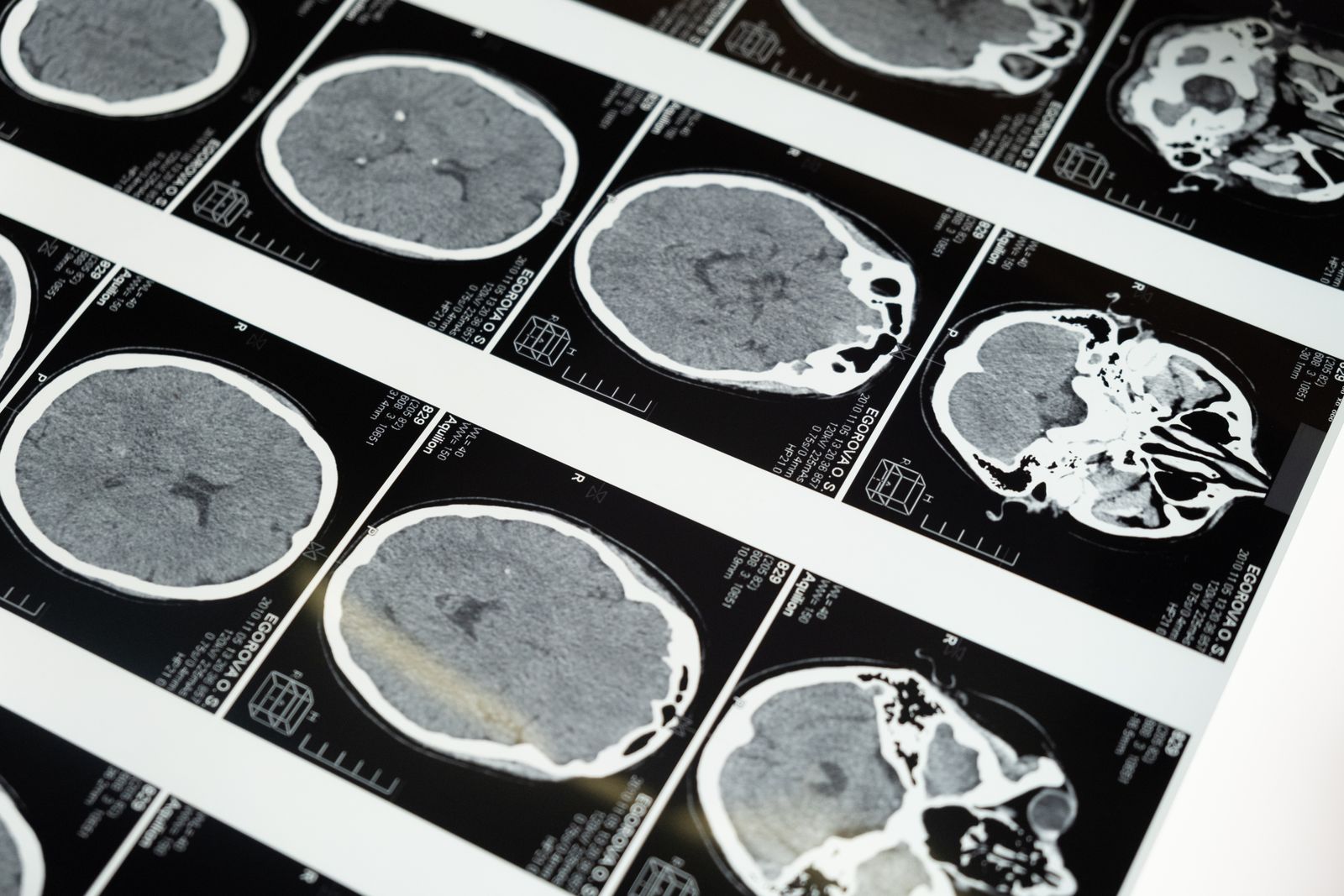
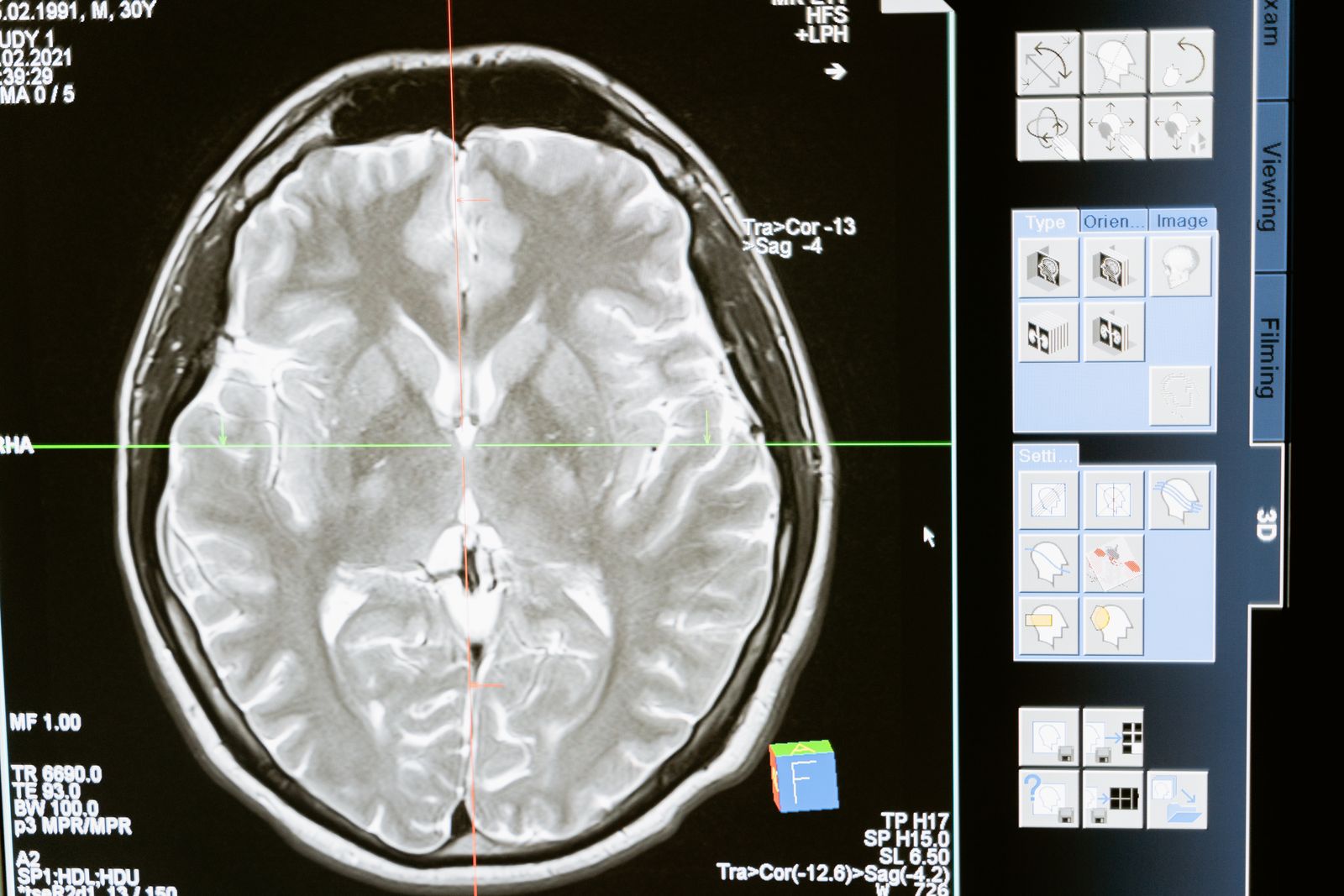
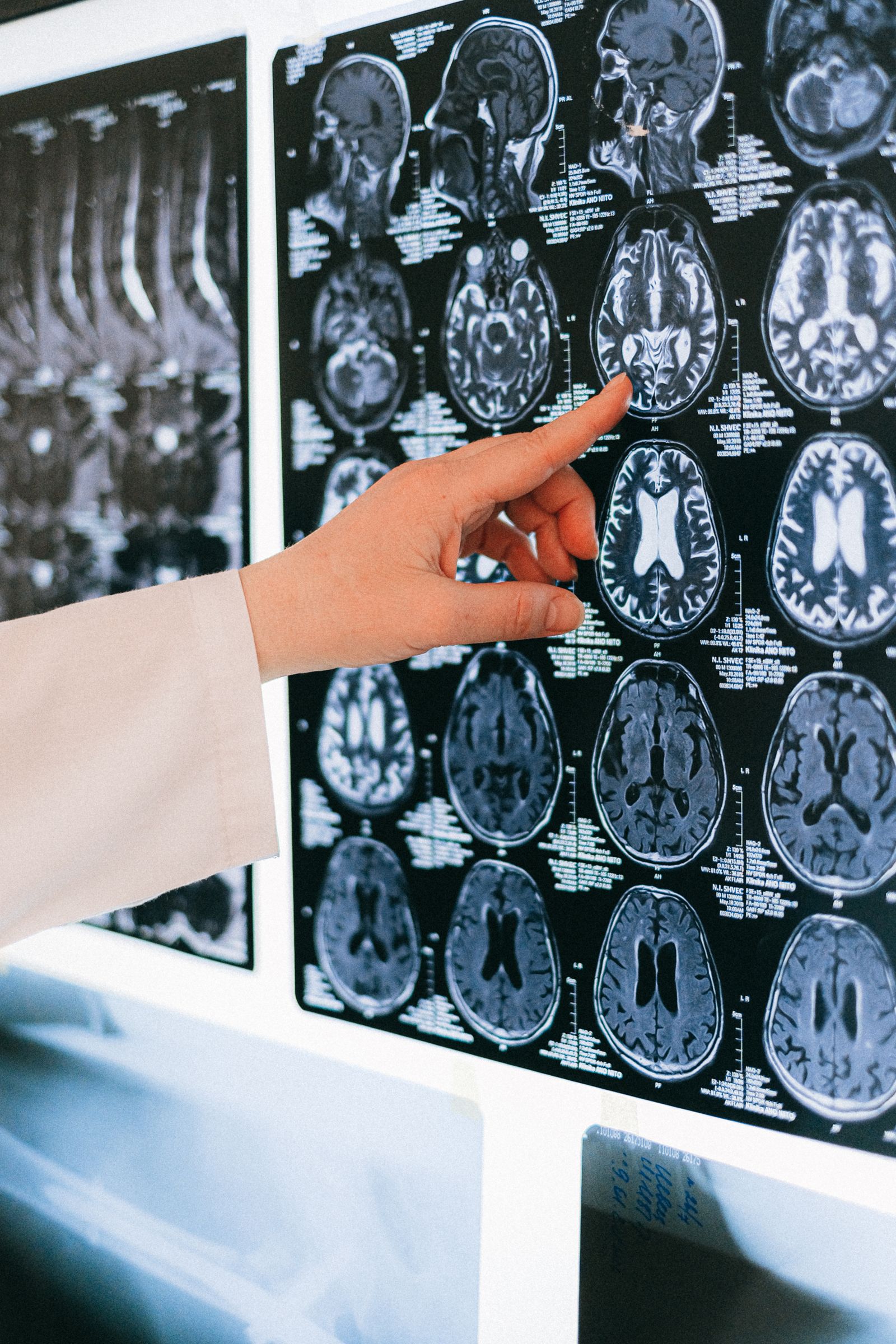
- Medicine. The DICOM standard uses JPEG 2000 for X-ray, CT and MRI — there you need both compactness and a lossless mode.
- Digital cinema. Every modern feature shown in cinemas is distributed in JPEG 2000: it is a requirement of the DCI specification.
- Archives and libraries. Digitised books, maps and documents are stored as JP2 for lossless compression and compact metadata.
- Satellites and GIS. Giant images of Earth are convenient to serve in pieces thanks to scalability.
We cover all of these in detail in a separate article on where JPEG 2000 is used.
How to open and convert JP2
The everyday user's main problem with JPEG 2000 is simply opening it. Browsers won't show the format, and the default Windows viewer stumbles too. The fastest, fail-safe path is to convert JP2 to PNG or JPG — formats that absolutely everything understands.
Upload the file
Drag your .jp2 or .j2k into an online converter — nothing to install.
Pick a format
PNG if you want to keep maximum quality and transparency. JPG if you need a light file to send.
Download the result
The finished image opens in any viewer, editor and browser.
Open your JP2 right now
The free FormatZ converter turns a JPEG 2000 file into a universal PNG in a couple of seconds — right in your browser, with no install and no sign-up.
Convert JP2 to PNGIf you need a light file to send, look at the JP2 → PNG converter, and the reverse PNG → JP2 conversion will produce JPEG 2000 from an ordinary picture. The full list is on the all formats page.