Where JPEG 2000 Is Used: Cinema, Medicine, Archives and Satellites
The JPEG 2000 paradox: no browser will open it, yet not a single Hollywood film reaches the screen without it, and half the world's diagnostic rooms rely on it. This format lives precisely where ordinary JPEG simply won't do. Here are its four main niches — and why JP2 took root in each one.
The paradox: the best format in the shadows
JPEG 2000 is a rare case of a technology that lost the battle for the mass market but won the war in professional fields. Why it never displaced ordinary JPEG gets its own deep dive. Here we look at the flip side: four areas where this format didn't just survive but became the de facto standard — or even a mandatory requirement.
They share one thing: in each, quality, accuracy and handling of very large images all matter. That is exactly where JPEG 2000's strengths — lossless compression, progressive transmission and regions of interest — turn from academic advantages into real value.
In short
JPEG 2000 is the "format for professionals." Cinema, medicine, archives and geodata are the four pillars holding it up. You'll hardly meet it in daily life, but behind the scenes it works every single day.
Digital cinema: DCP and the DCI spec
The loudest use of JPEG 2000 is digital cinema. When a film arrives at a cinema, it doesn't come as one "big MP4" but as a DCP (Digital Cinema Package). The only image format (codec) allowed inside a DCP is JPEG 2000. That rule is set by the DCI specification — the industry rulebook for digital cinema.
Why this choice? The key reason is that each frame is compressed independently, with no references to its neighbours. Unlike regular video, where a frame is rebuilt from previous ones, here every frame is self-contained. That simplifies editing, seeking and quality control, and it guards against an avalanche of artifacts if something goes wrong. The bitrate is capped at 250 Mbit/s, the resolution is 2K (2048×1080) or 4K (4096×2160), and each frame is encoded as a single tile.
Medicine: DICOM, X-ray, CT and MRI
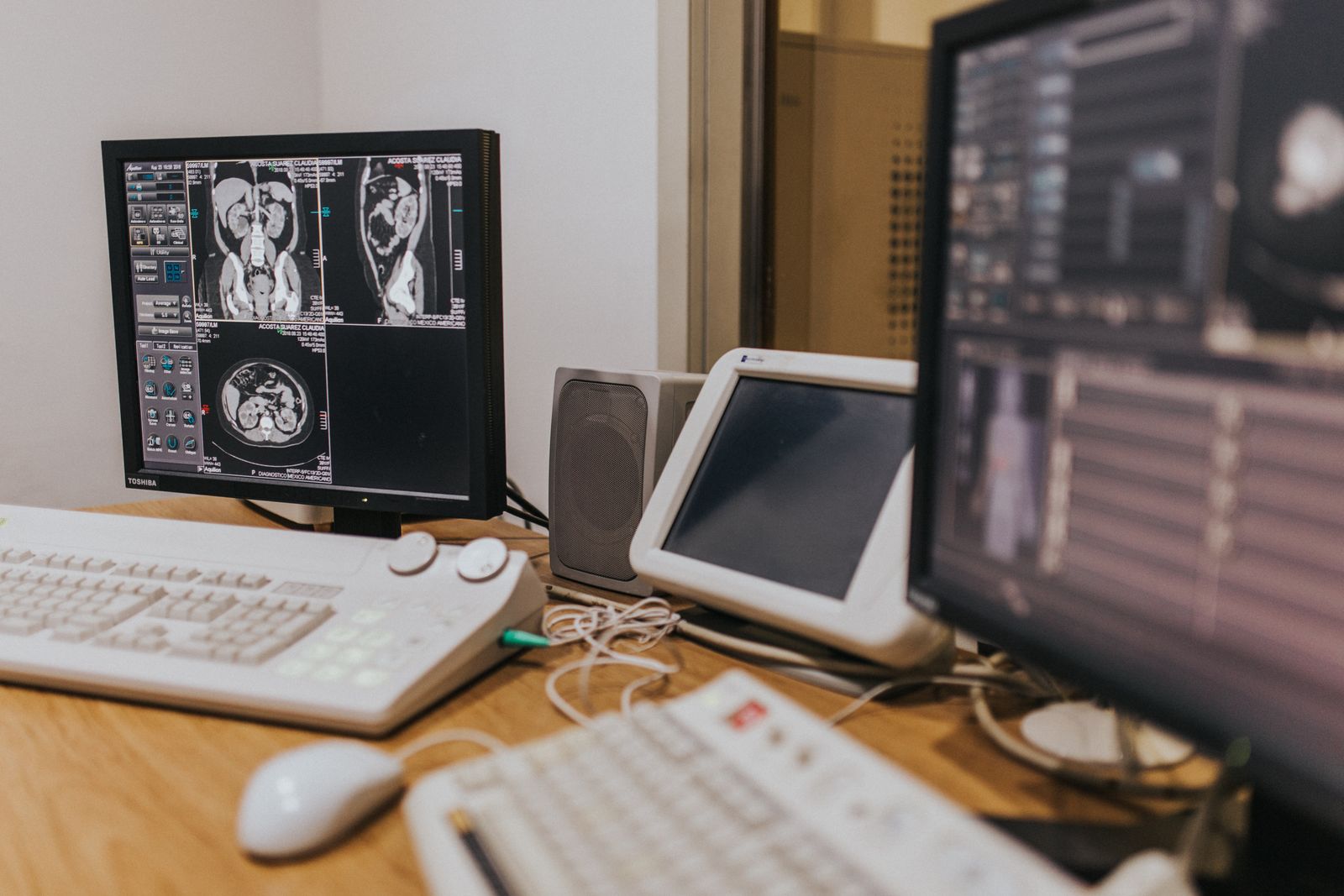
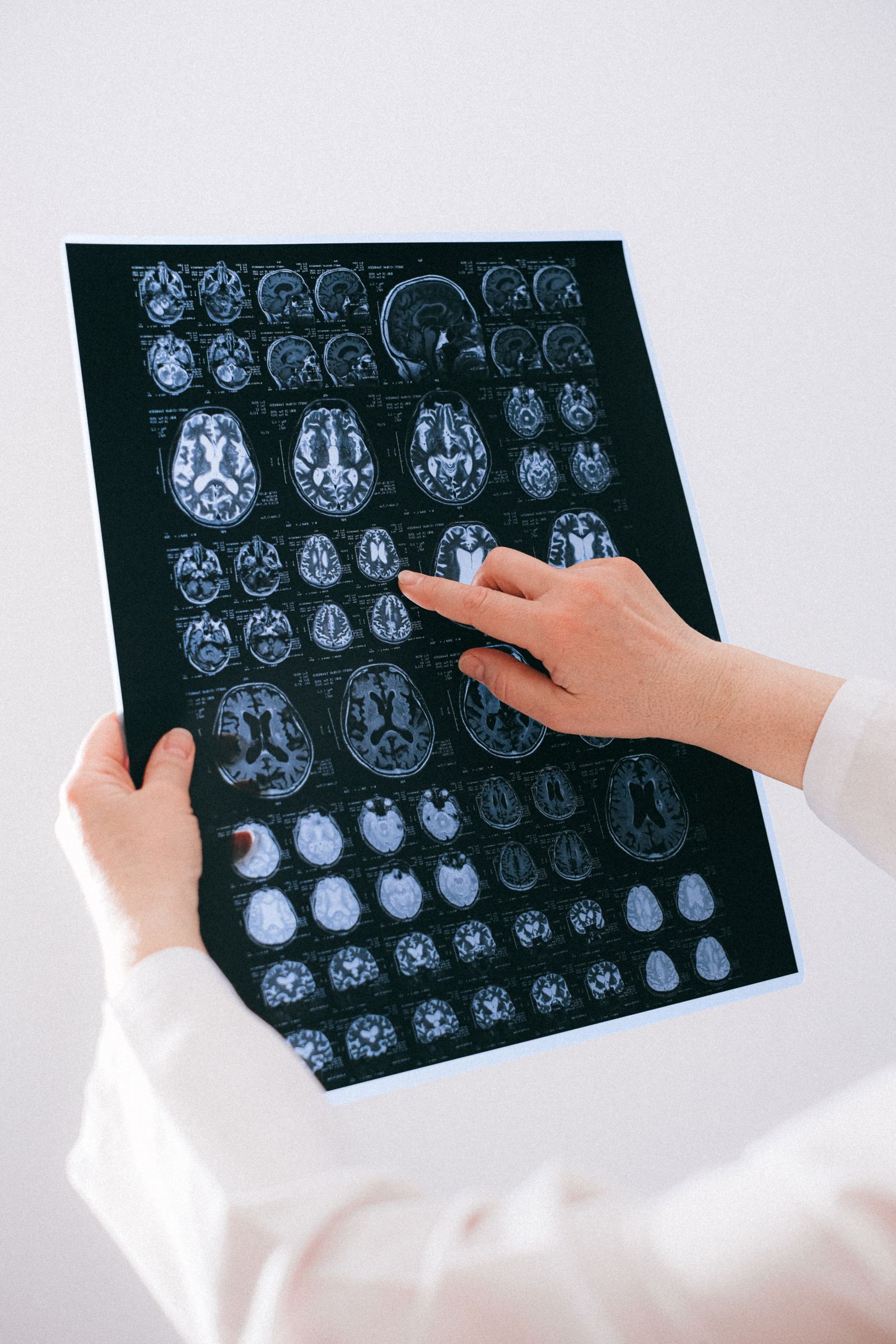
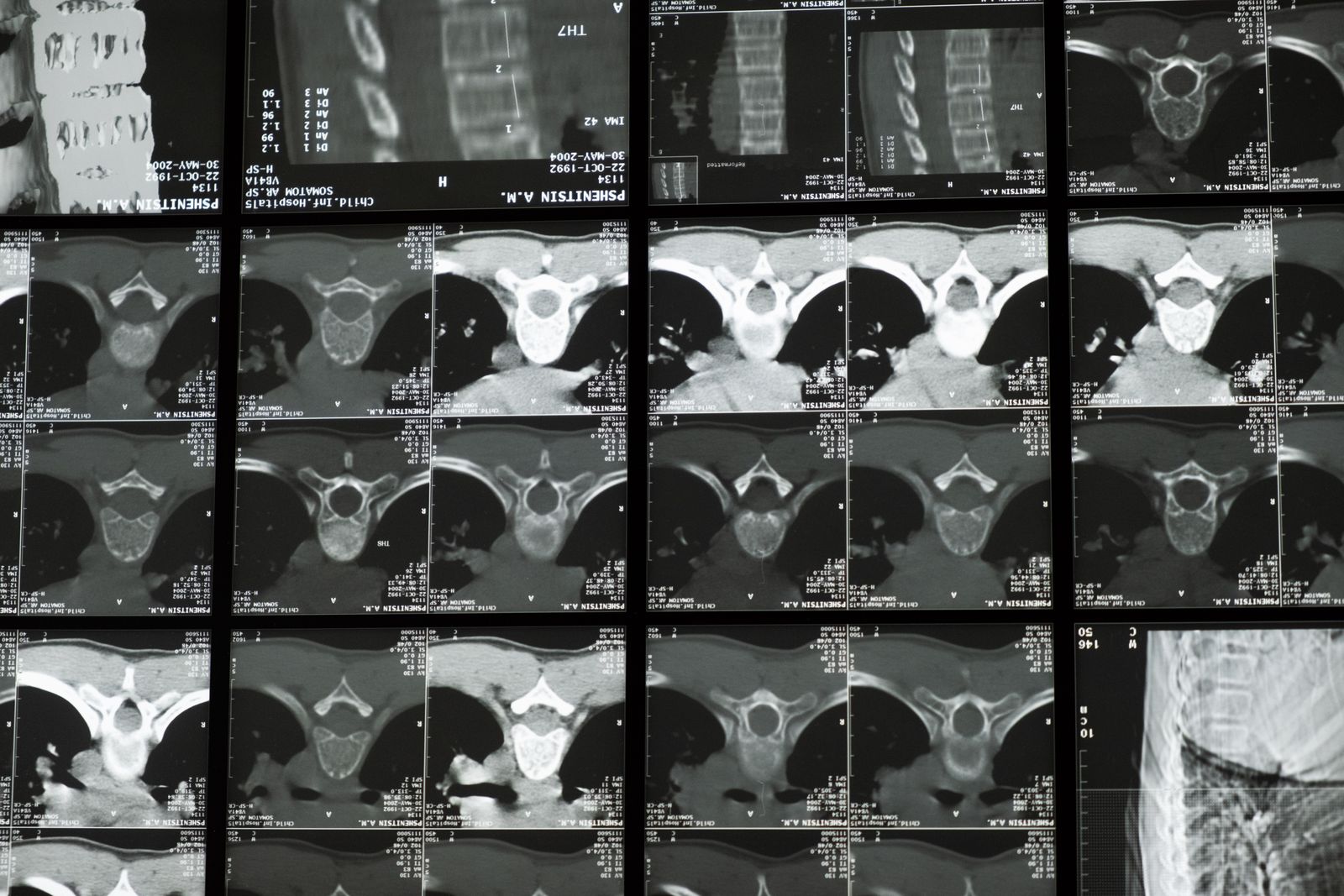
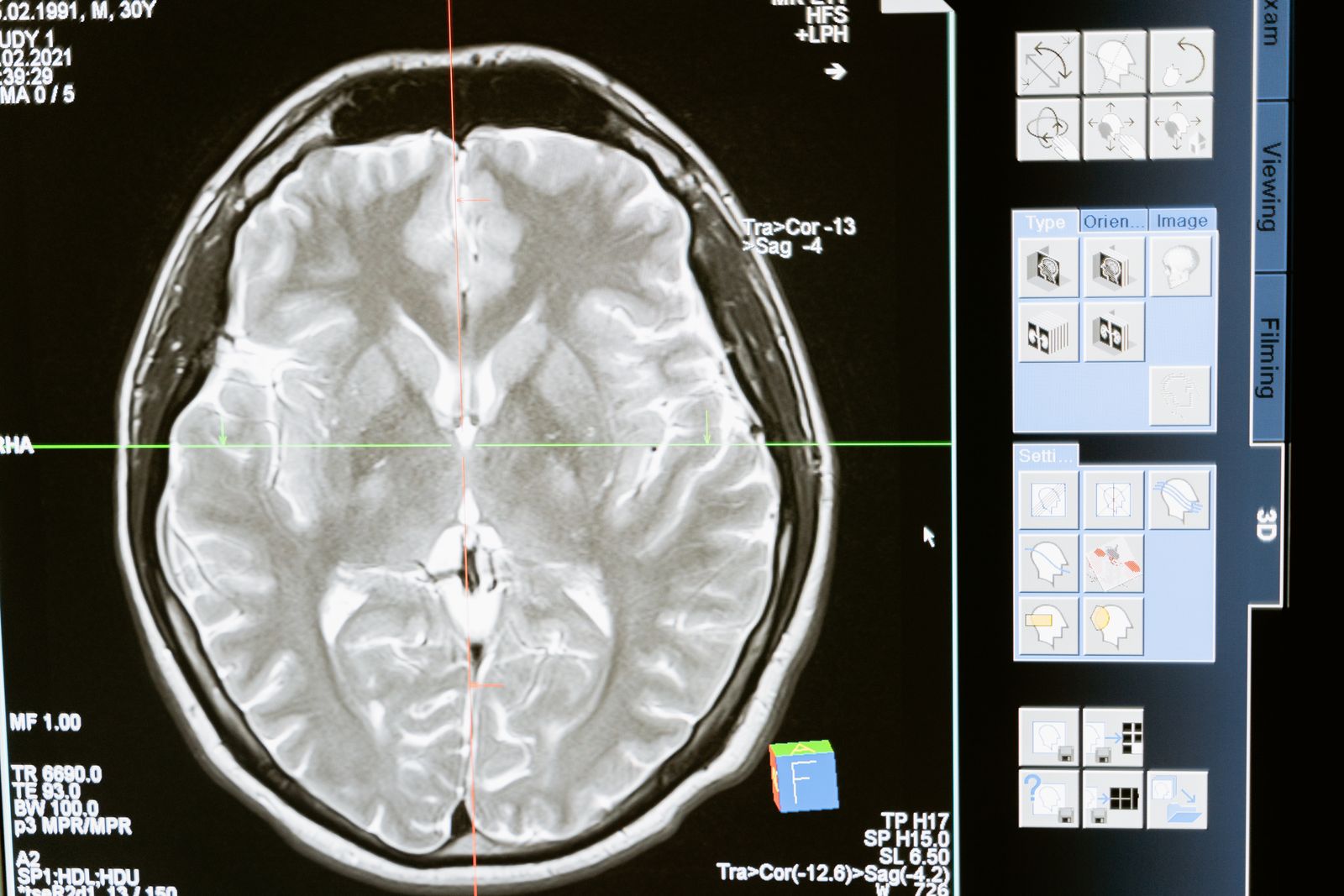
JPEG 2000's second stronghold is medical imaging. The DICOM standard, which underpins all image exchange between machines and hospitals, supports JPEG 2000 as one of its compression options. And here the format has two decisive trump cards.
The first is the lossless mode. On an X-ray or CT scan a tiny detail can be the diagnosis, so "coarsening" the picture the way ordinary JPEG does is unacceptable. The second is working with fragments: a scan can weigh tens of megabytes, yet a doctor needs to quickly zoom into one spot. JPEG 2000 can serve just the needed area and resolution without loading the entire file.
An important caveat
JPEG 2000 is not the only codec in medicine. For fast lossless compression, the simpler JPEG-LS is often chosen because it runs quicker. JPEG 2000 wins where flexibility matters more: one file that is lossless, progressive and supports regions of interest all at once.
Archives and libraries
When a major library digitises old books, newspapers or maps, it faces one task: preserve a master copy that survives decades without losing a single pixel. JPEG 2000 became a popular choice for archival master files precisely because of its lossless mode and the rich metadata stored right inside the .jp2.
A bonus is scalability. From a single master file the system serves both a tiny thumbnail for the catalogue and a full-resolution page for a researcher — without storing a dozen separate copies. National libraries and large newspaper archives do exactly this.
Satellites, maps and GIS
Satellite images are gigapixel canvases that fit on no single screen. Here JPEG 2000's progressive transmission and scalability become indispensable: a geoportal loads only the piece of the map and the resolution you're looking at right now, not a file hundreds of megabytes in size.
A separate example from the same field is meteorology. The international weather-data format GRIB2 uses JPEG 2000 compression and thereby shrinks data by up to 80%. For systems that push forecasts around the world every hour, that's an enormous saving in bandwidth and storage.
What ties all these niches together
Look closely and cinema, medicine, archives and geodata share a common denominator — professional scenarios with three requirements at once:
| Niche | What's critical | Which JP2 feature solves it |
|---|---|---|
| Cinema (DCP) | Frame quality, frame independence | Per-frame compression, bitrate control |
| Medicine | Not one lost detail | Lossless mode + ROI |
| Archives | A durable master file | Lossless + metadata |
| Satellites / GIS | Enormous image size | Scalability, partial loading |
The everyday user doesn't need these features — a light JPEG for social media is plenty. A professional, though, saves time, storage and headaches with them. That's why a format that flopped on the web feels right at home in industry.
What to do if you get a JP2
Say you received a .jp2 from a medical system, an archive or a contractor — and you can't open it. That's normal: consumer software rarely gets along with JPEG 2000. The simplest way out is to convert the file to PNG or JPG.
Upload the JP2
Drag the file into an online converter — no install needed.
Pick a format
PNG keeps quality losslessly, JPG gives a light file to forward.
Download the result
The finished image opens anywhere — from your phone to your browser.
Got a JP2 you can't open?
The FormatZ converter turns a JPEG 2000 file into a regular PNG in a couple of seconds — right in your browser, with no install and no sign-up.
Convert JP2 to PNGWant the opposite — packing an ordinary picture into JPEG 2000? The PNG → JP2 converter helps. And if you're curious how JP2 fundamentally differs from old JPEG, read JPEG 2000 vs JPEG, or start with the basics in what is JPEG 2000.
Frequently asked questions about JPEG 2000 use
Read next
 Format Basics
What Is JPEG 2000
Wavelets, lossless compression and the format's design in plain English.
 Deep Dive
Why JPEG 2000 Never Replaced JPEG
Patents, support and inertia: the story of a standard that wasn't.
 How-to
How to Open a JP2 and J2K File
What opens JPEG 2000 and how to convert it to PNG or JPG.